


Build Beautiful Yoga Flows
Drag, drop, and flow. Hundreds of poses, guided playback, and on-device pose tracking on iPhone, iPad, Android, and the web.
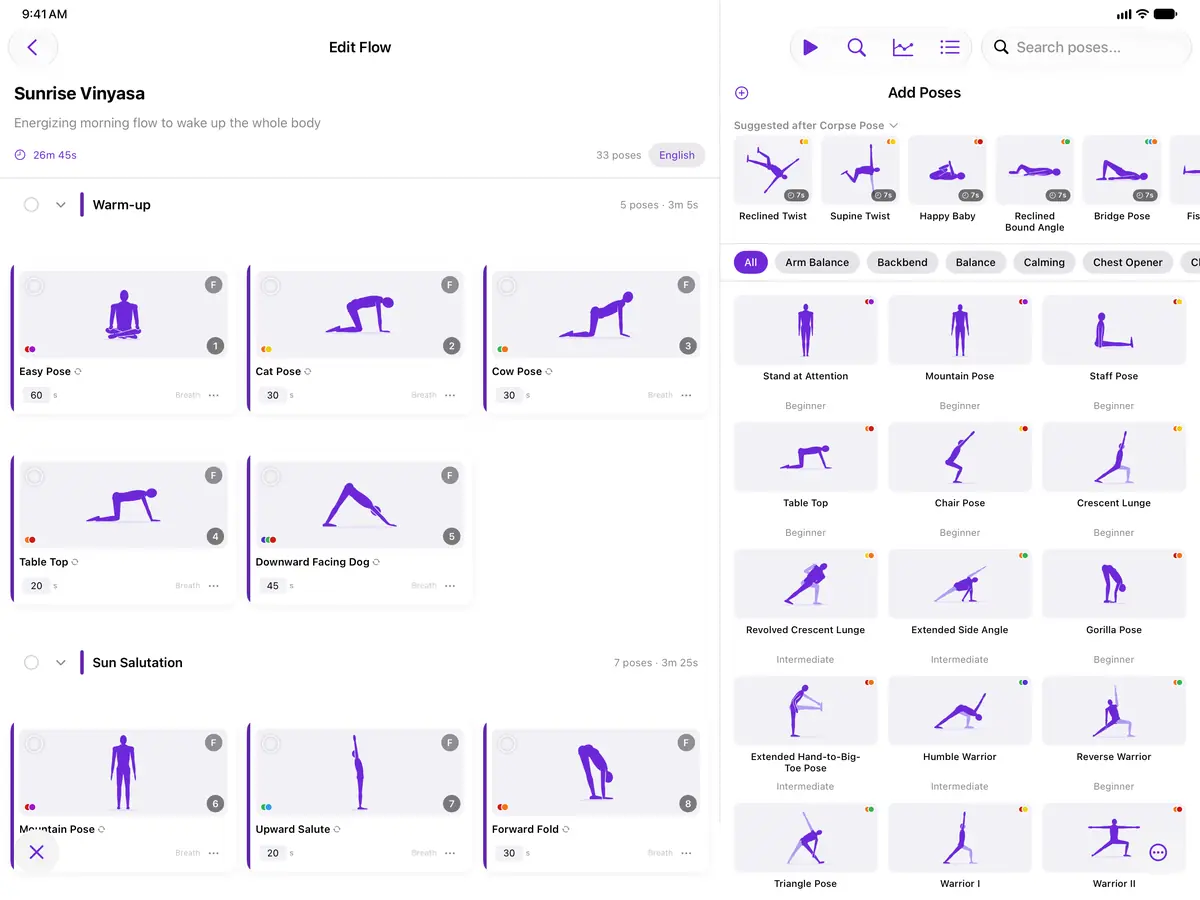
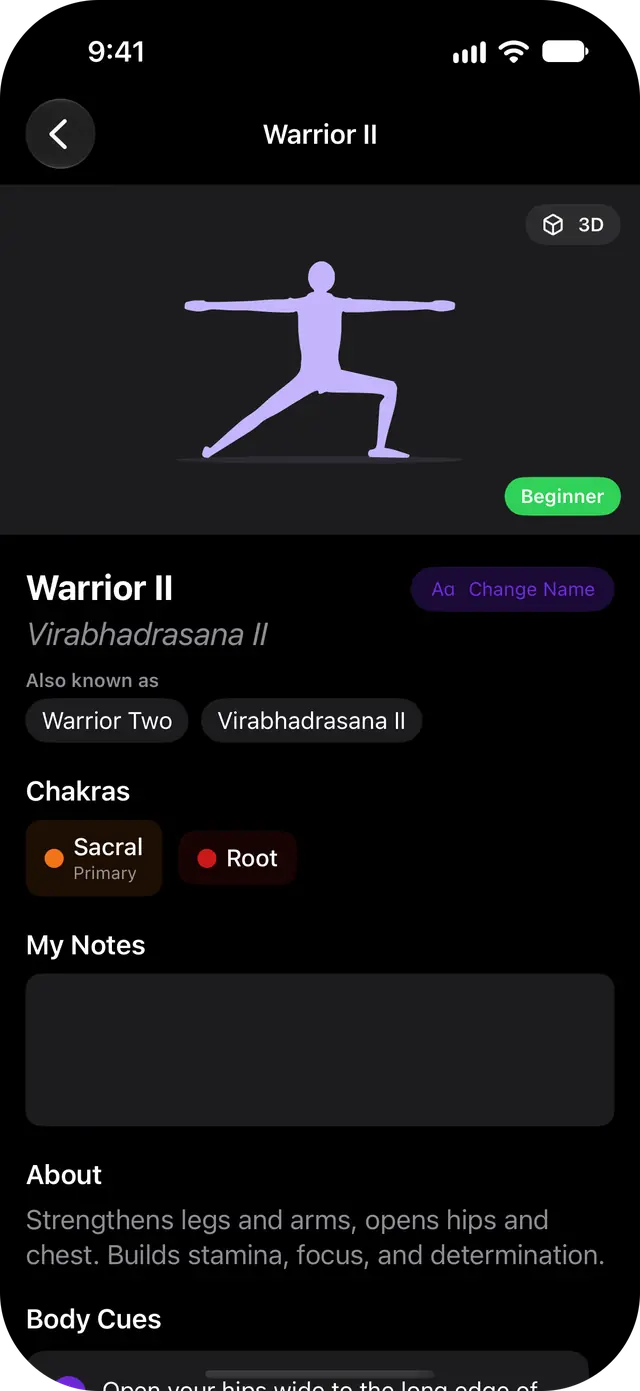
 Original pose illustrations
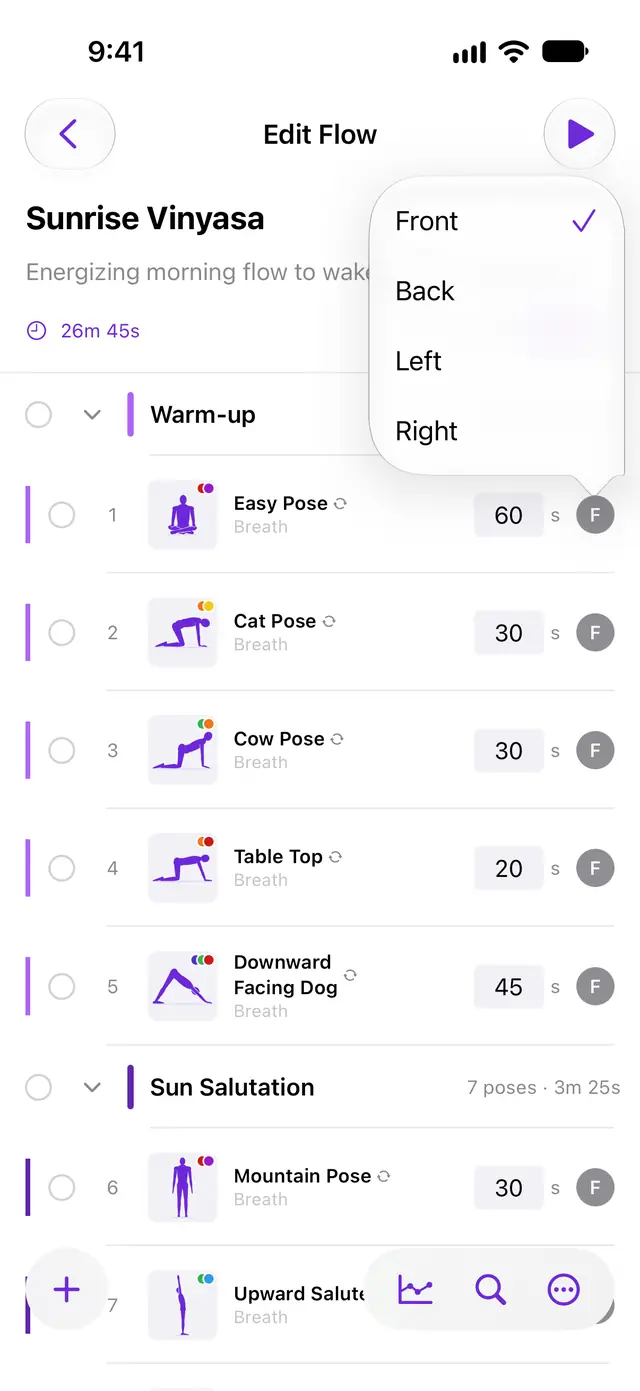
 Timing, side and breath for every pose
Build. Practice. Improve.
The core tools every yoga teacher and practitioner needs.
Build flows intuitively.
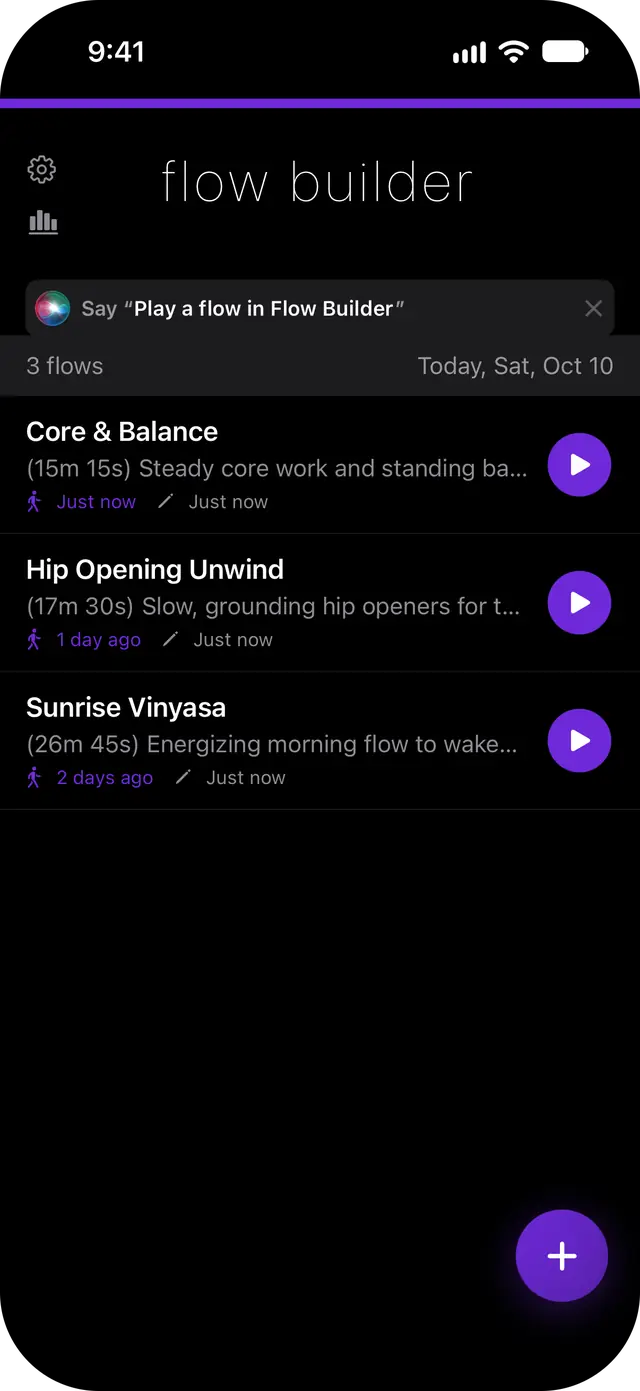
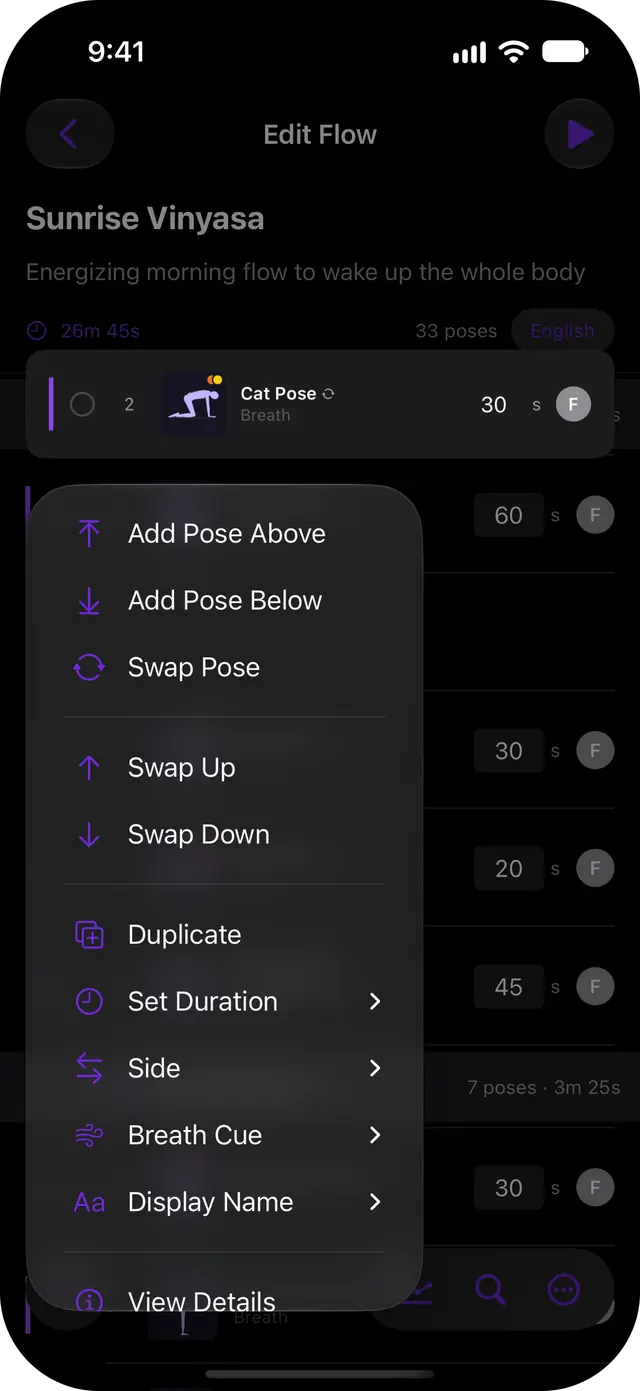
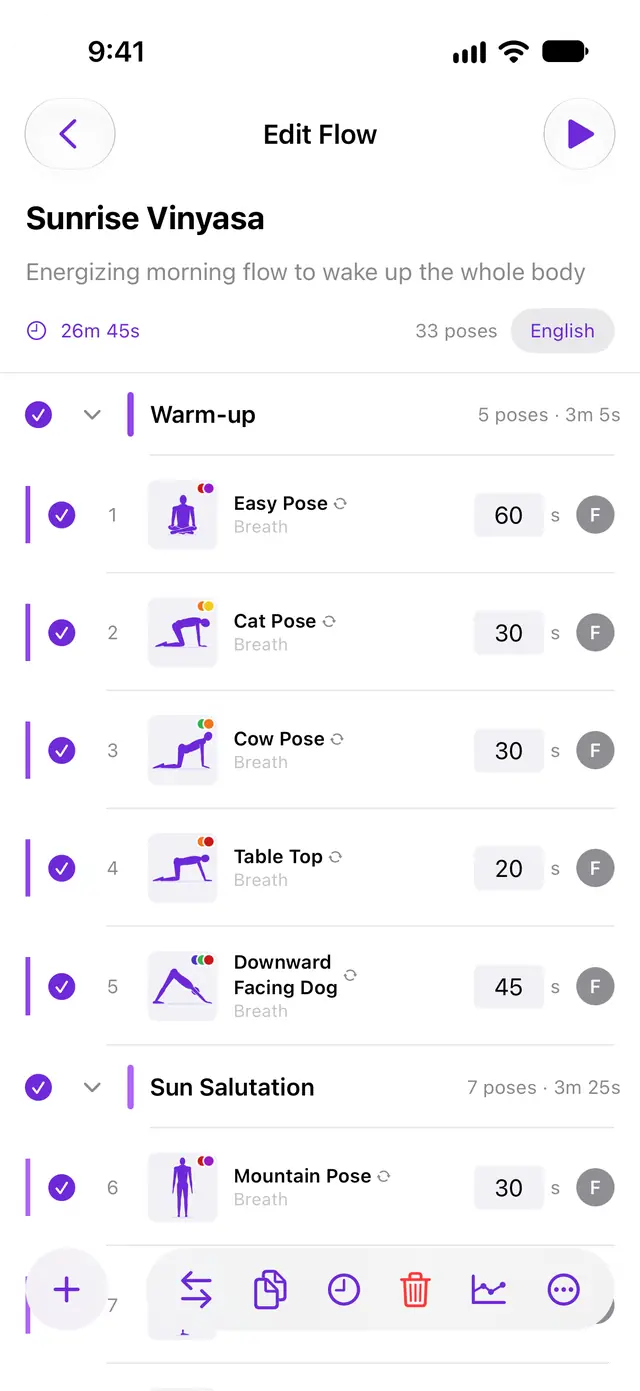
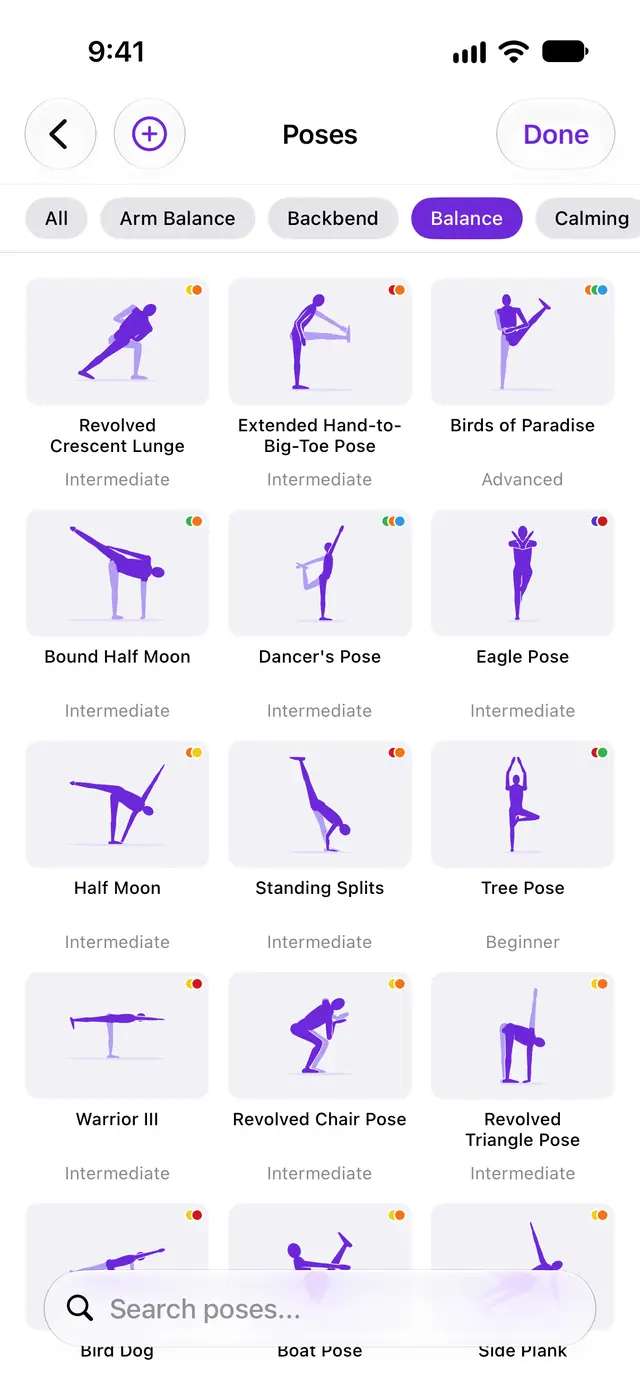
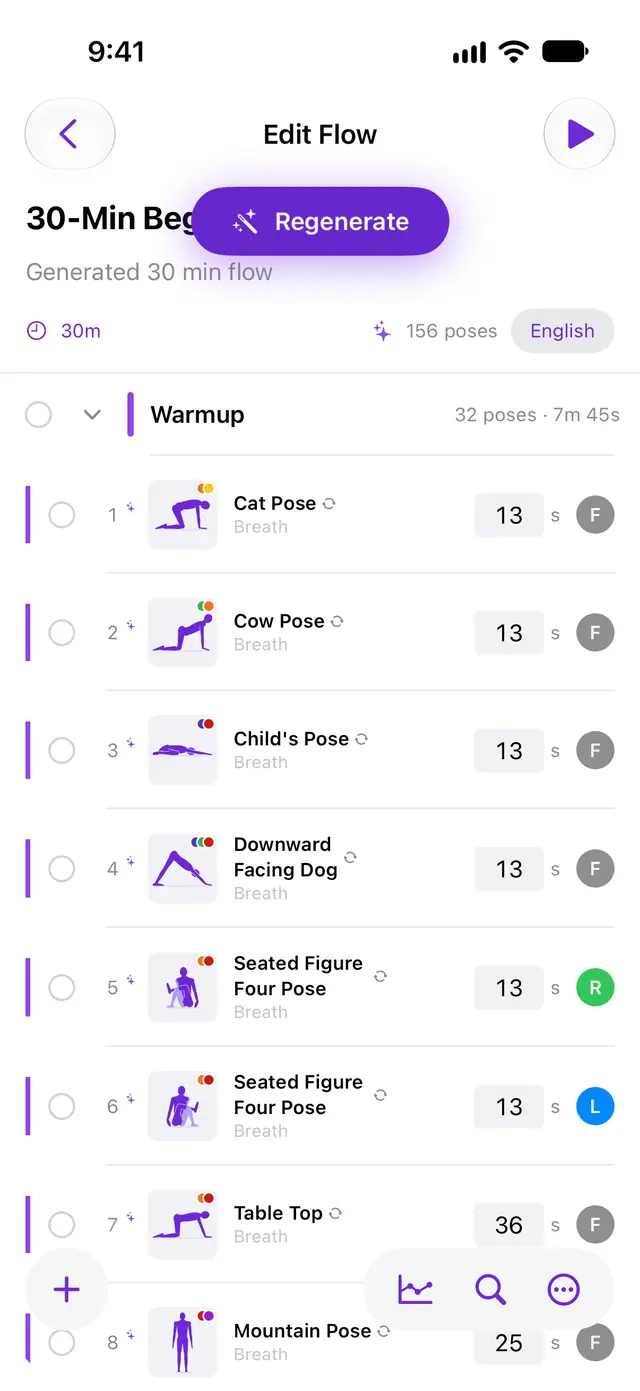
Browse hundreds of yoga poses (370 on iOS and Android, 371 on the web), organized by category. Drag and drop them into your sequence, set timing for each pose, group them into sections, and customize transitions. Build complete class-length flows in minutes.
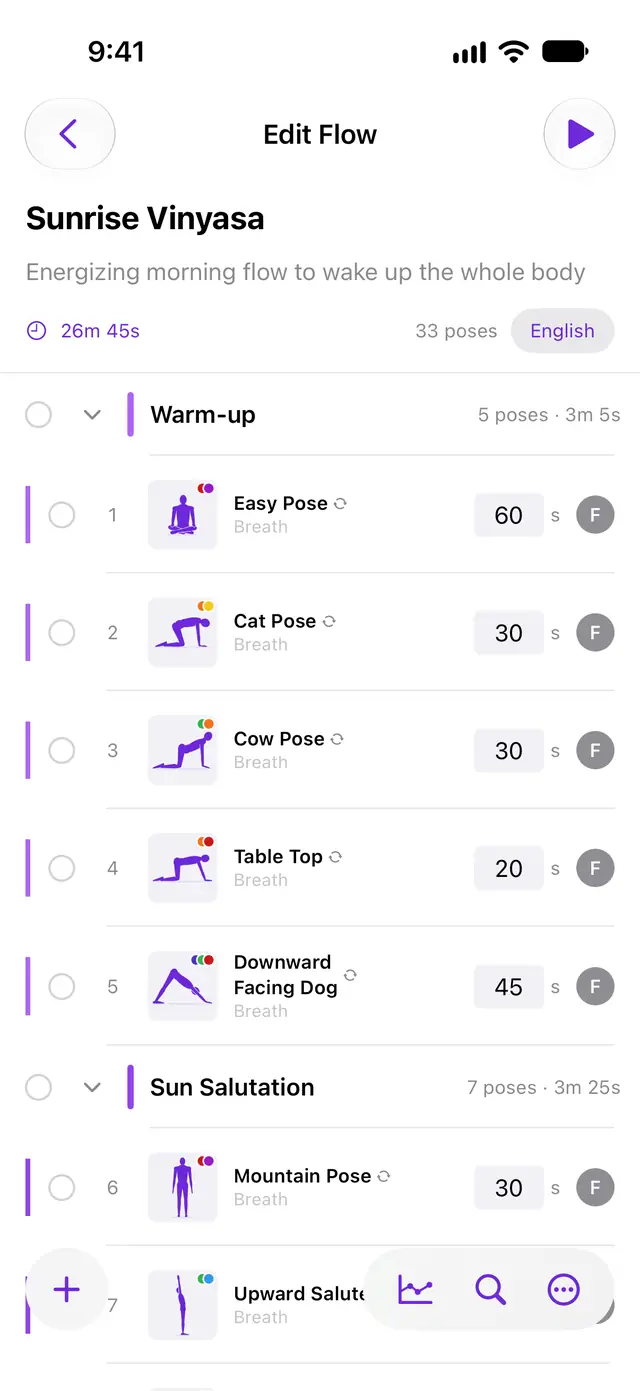
 Chakra-tagged poses
 Group poses into sections
Practice with guided playback.
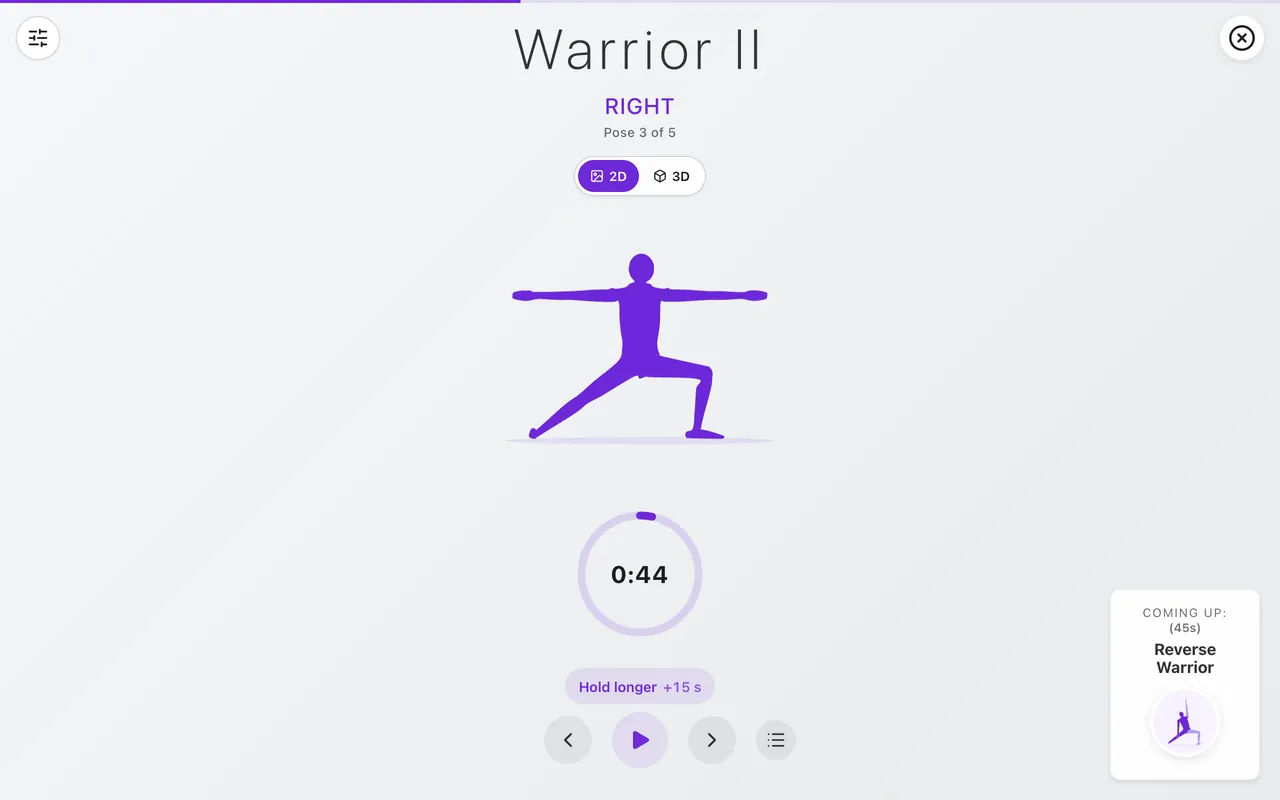
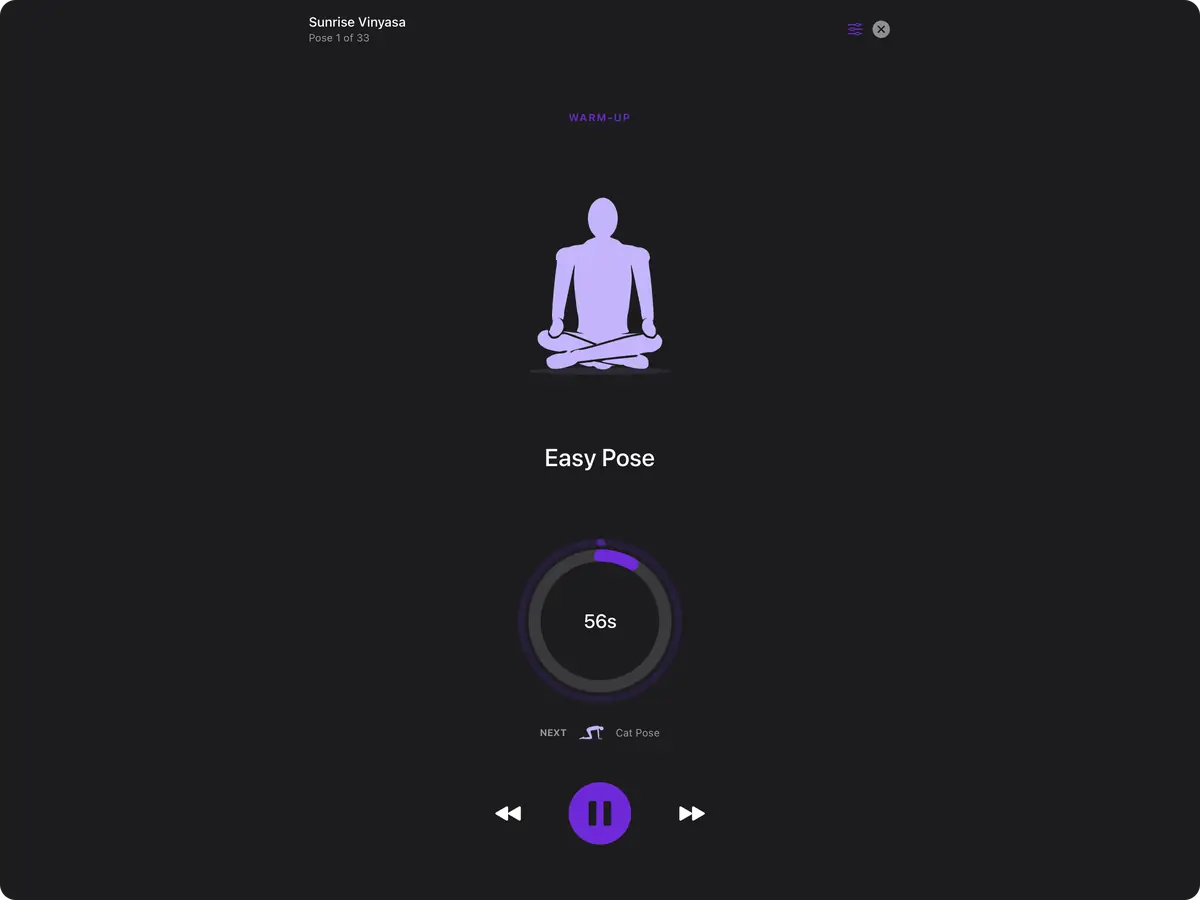
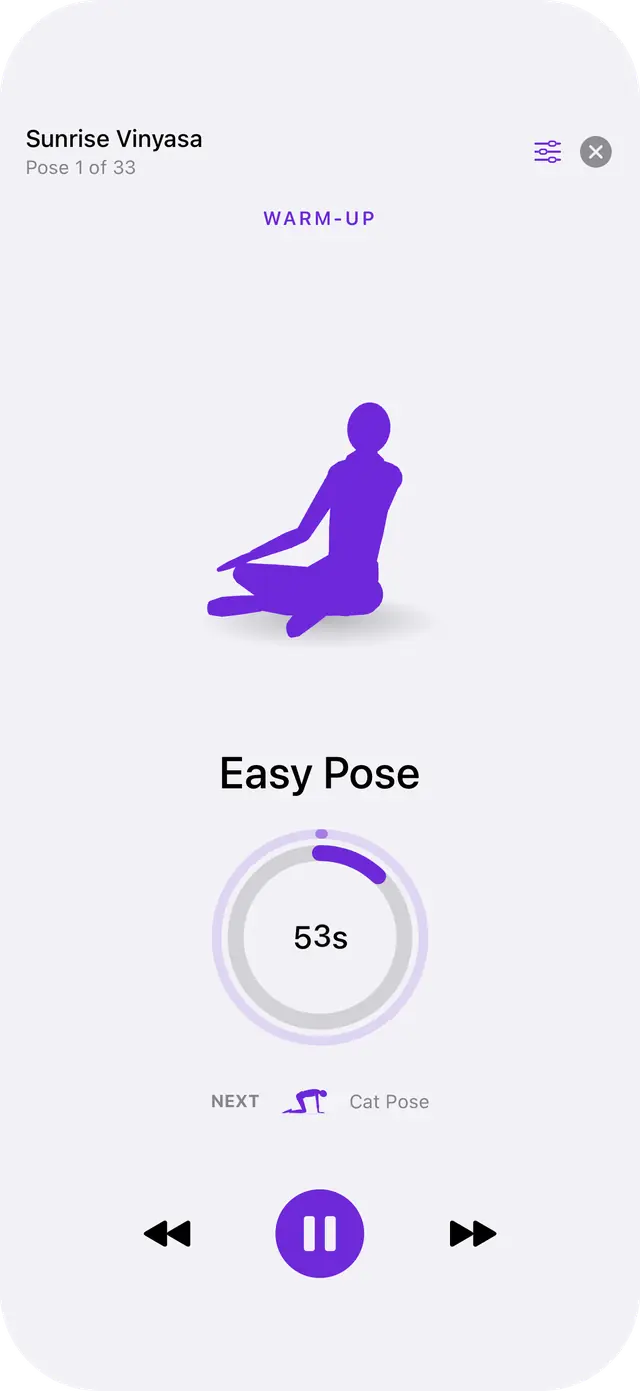
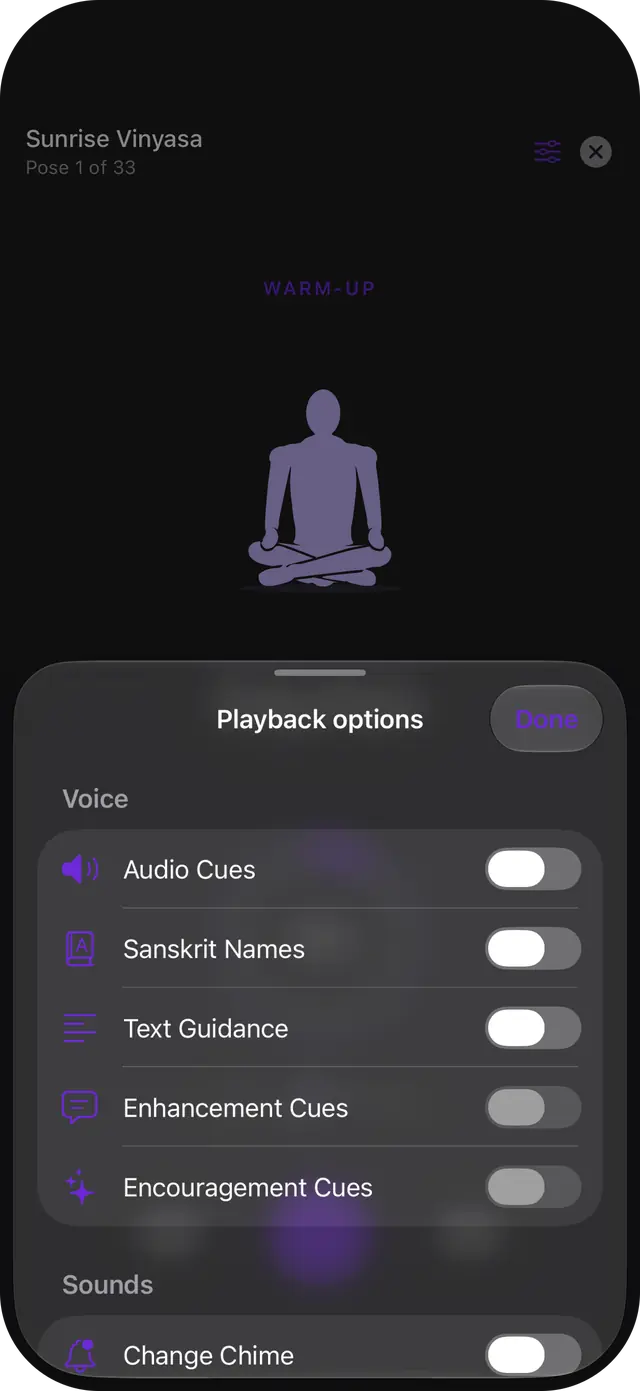
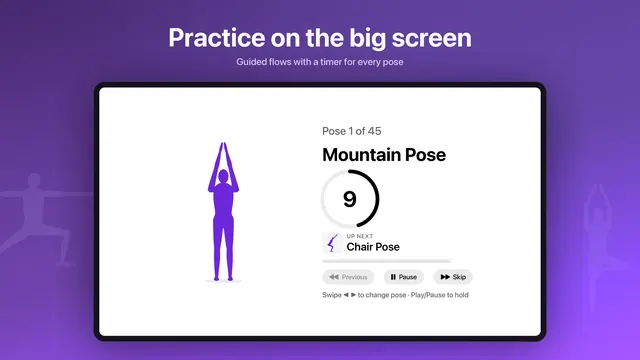
Hit play and follow along. A visual timer counts down each pose while text-to-speech calls out the pose name in English or Sanskrit, so you don't have to watch the screen. A glance at the next pose preview keeps you one step ahead.
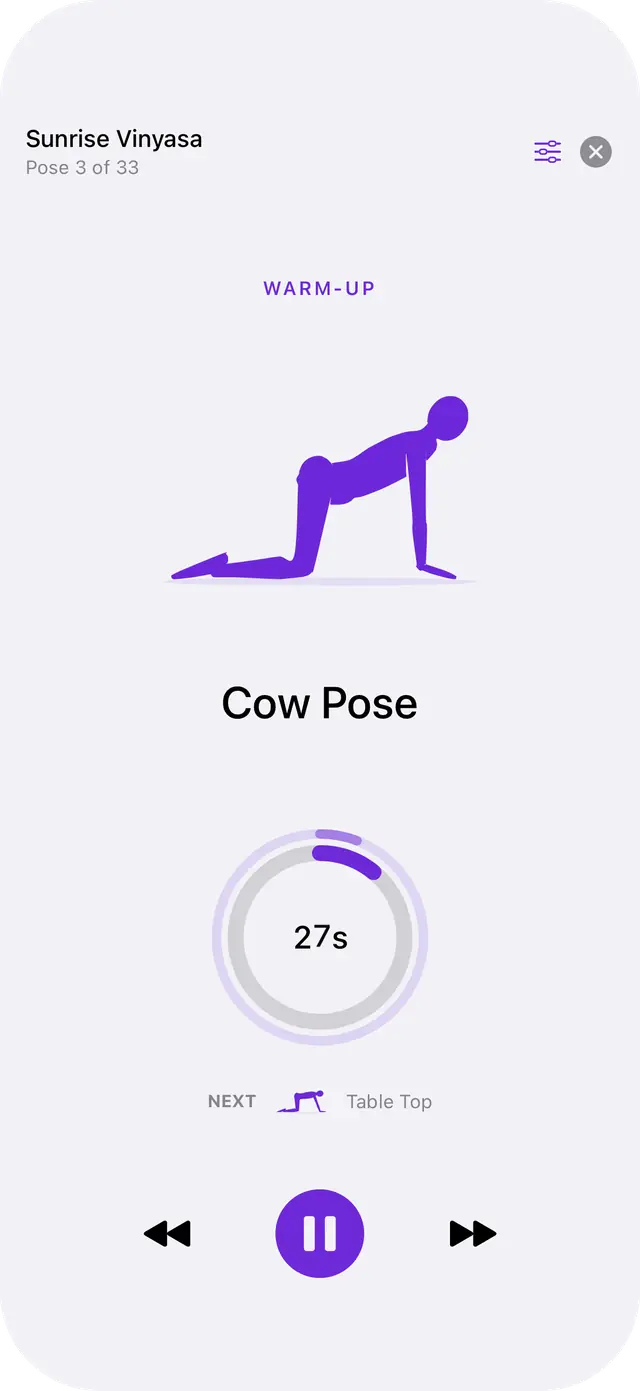
 Visual countdown
 Always see what's next
Plan and play on the web.
The full-featured web app at app.flowbuilder.yoga lets you build, organize, and import flows from any browser, then practice them with the same guided playback, large pose silhouettes, and countdown timers. No download, no account, free.
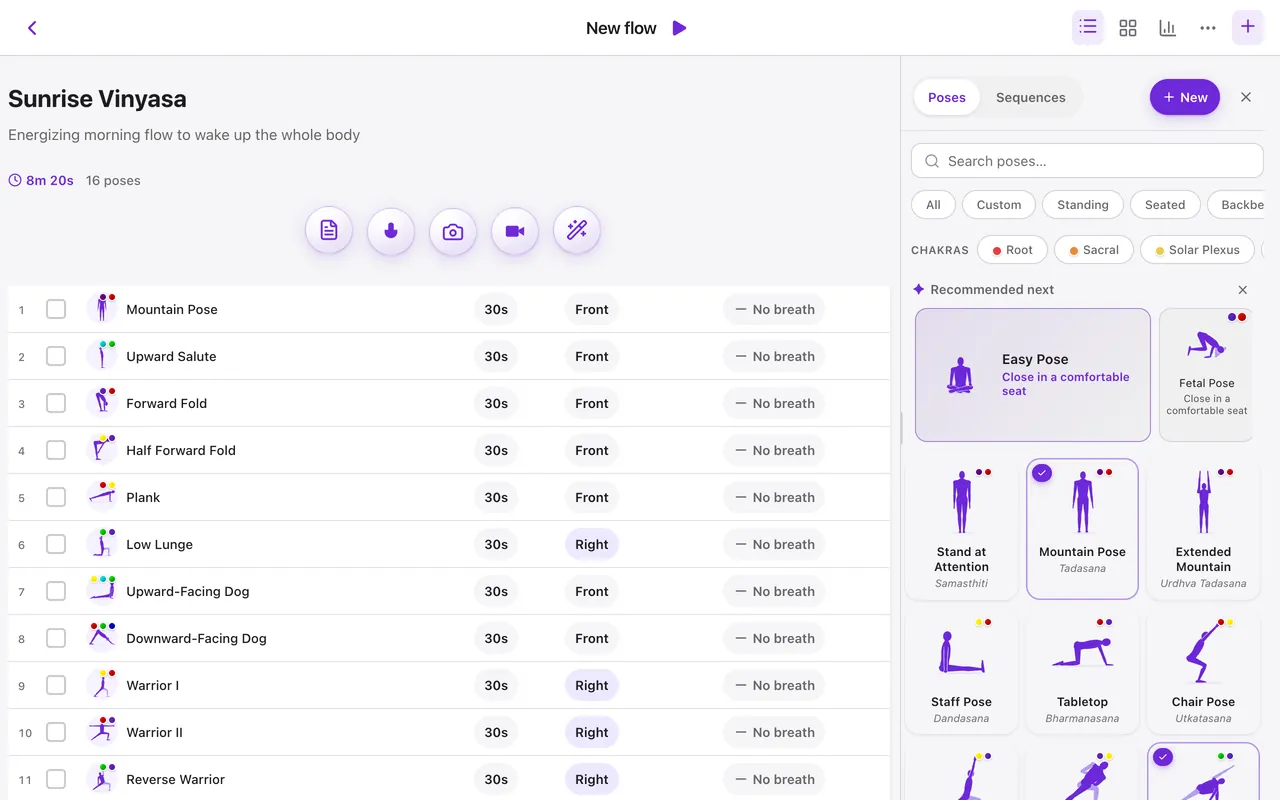
Flows on every device.
Build on your iPad, practice on your iPhone or Android, plan on the web. Your practice, perfected everywhere.
Loved by people who practice at home.
Real reviews from the App Store, in the reviewers’ own words.
-
★★★★★
Finally! A simple, clear, and comprehensive flow builder
… Finding this app was such a relief. I love how customizable it is. I can build whatever flow I want, hold poses for however long I want, edit the names of the poses to ones that I’m more accustomed to, and choose from a much more comprehensive selection of poses. …
-
★★★★★
Best Yoga App
… Being able to generate flows for you keeps it simple, but if you really want to curate your yoga, the app allows for complete customization. Really thoughtfully made, best free yoga app.
-
★★★★★
Love the flexibility
I do yoga off and on and often feel behind when I attend classes. This app is great because I can choose the level of difficulty and length of my session!
-
★★★★★
User experience
The app is very intuitive and easy for beginners to start their yoga journey. 10/10 would recommend!
Private by design
Your practice stays yours.
Generate a Flow, camera pose detection, and neural voices run on your device. Voice to Flow uses your device's or browser's speech recognition, which may use that platform's speech service when on-device recognition isn't available. No tracking. Complete control of cloud backups, off with one tap.
Generate a Flow.
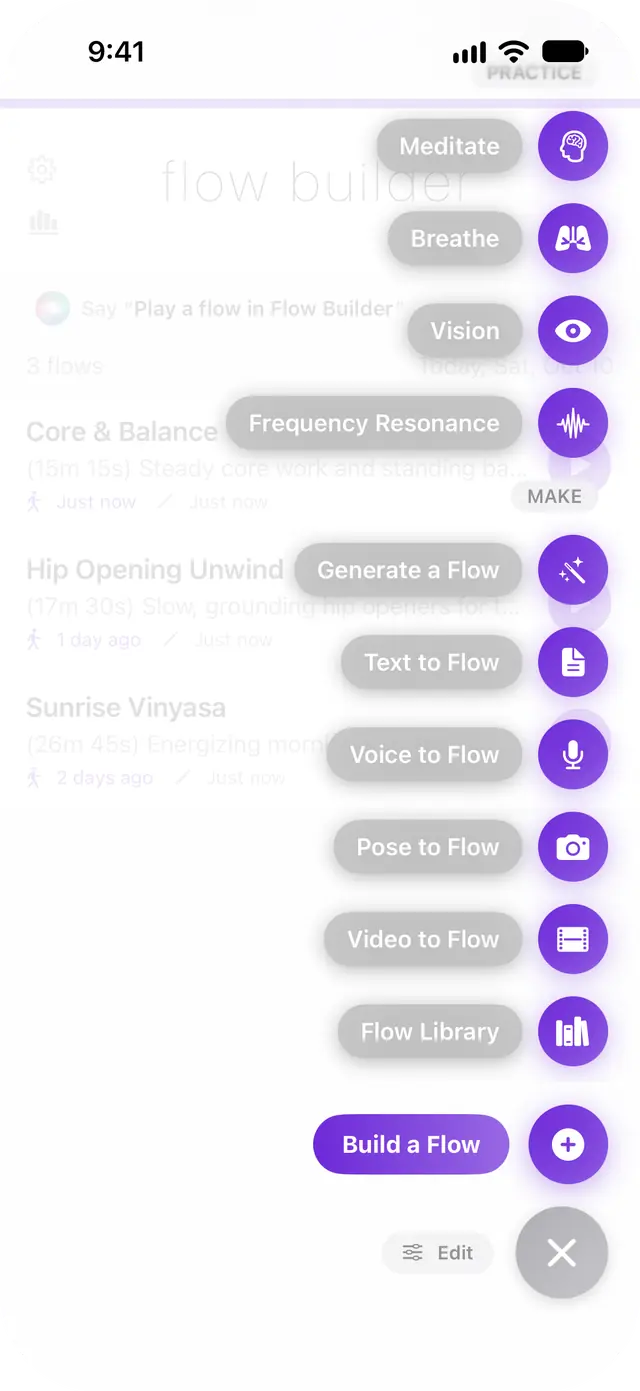
Randomize a flow based on your parameters. Set the level, focus, duration, and warmup style, then tap Generate. Free and unlimited regenerations, all processed on-device. On iOS and Android it's free to try; saving a generated flow needs Premium. On the web you can also choose No floor work or No inversions.
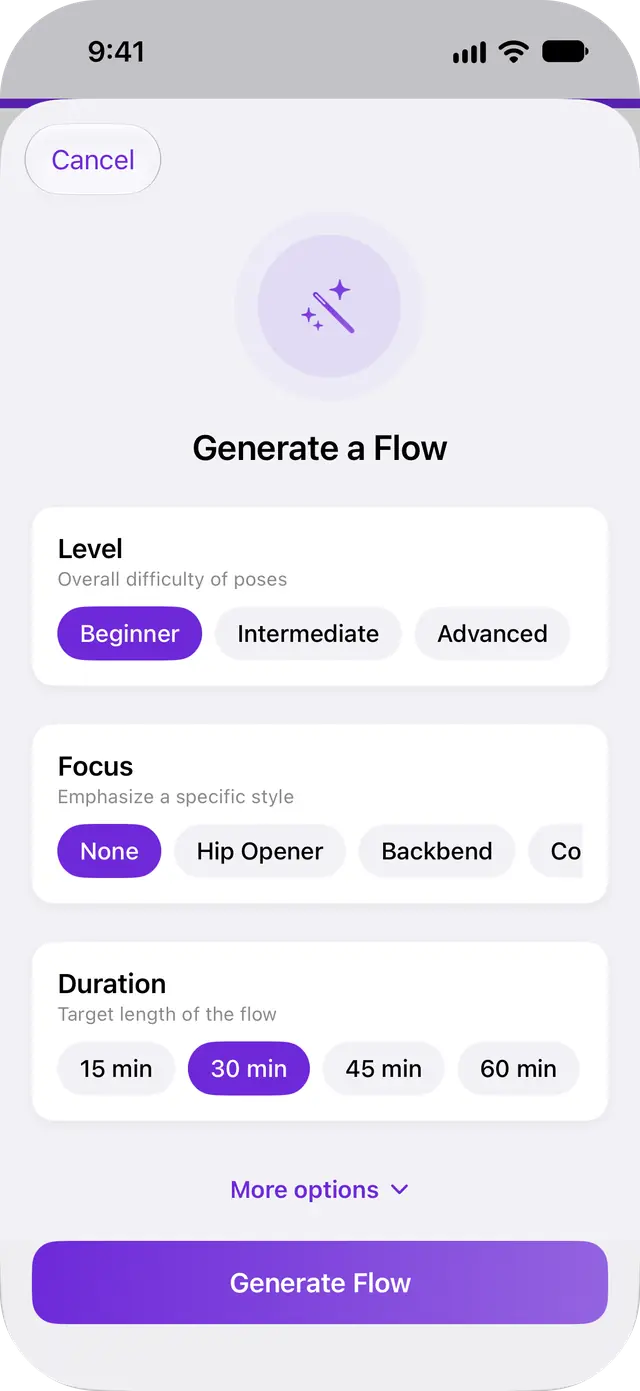
 Level, focus and duration
Text to Flow.
Convert plain text into playback-able sequences. Paste a list of poses and FlowBuilder builds your flow instantly.
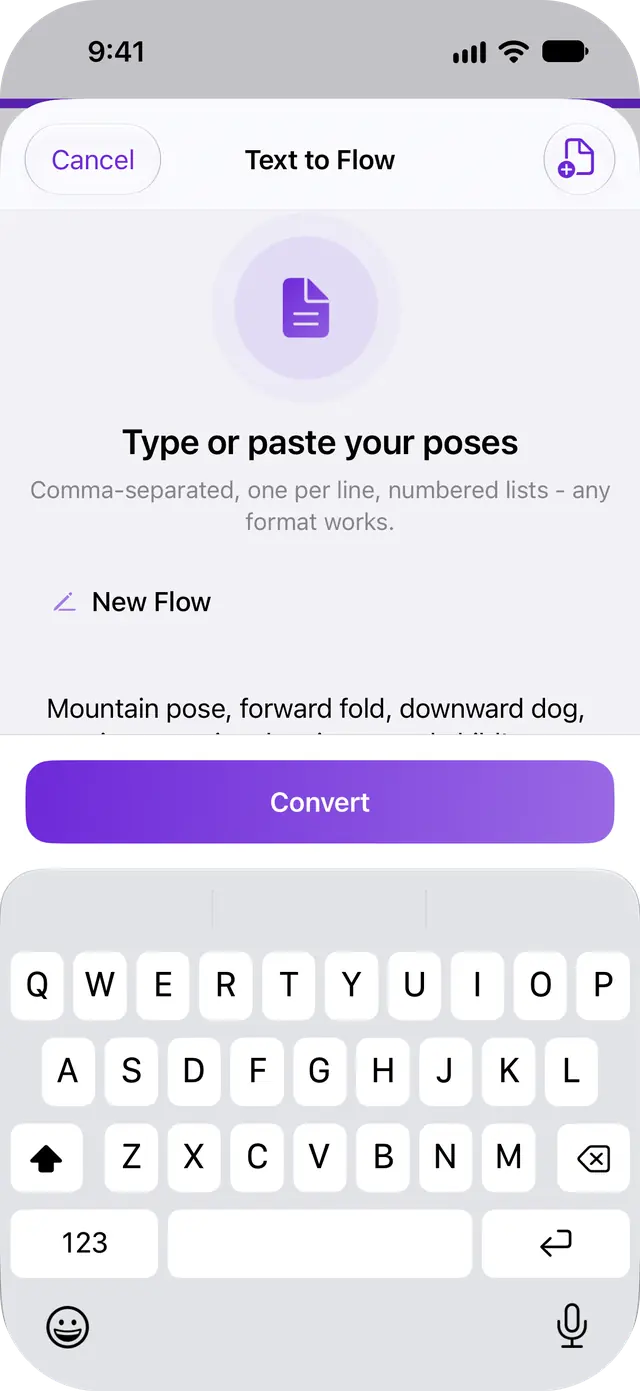
 Paste a list, get a flow
Voice to Flow. (beta)
Record your classes and have flows built in real time. Export the audio recording or just save the flow for later. Teach naturally and let FlowBuilder do the rest.
Premium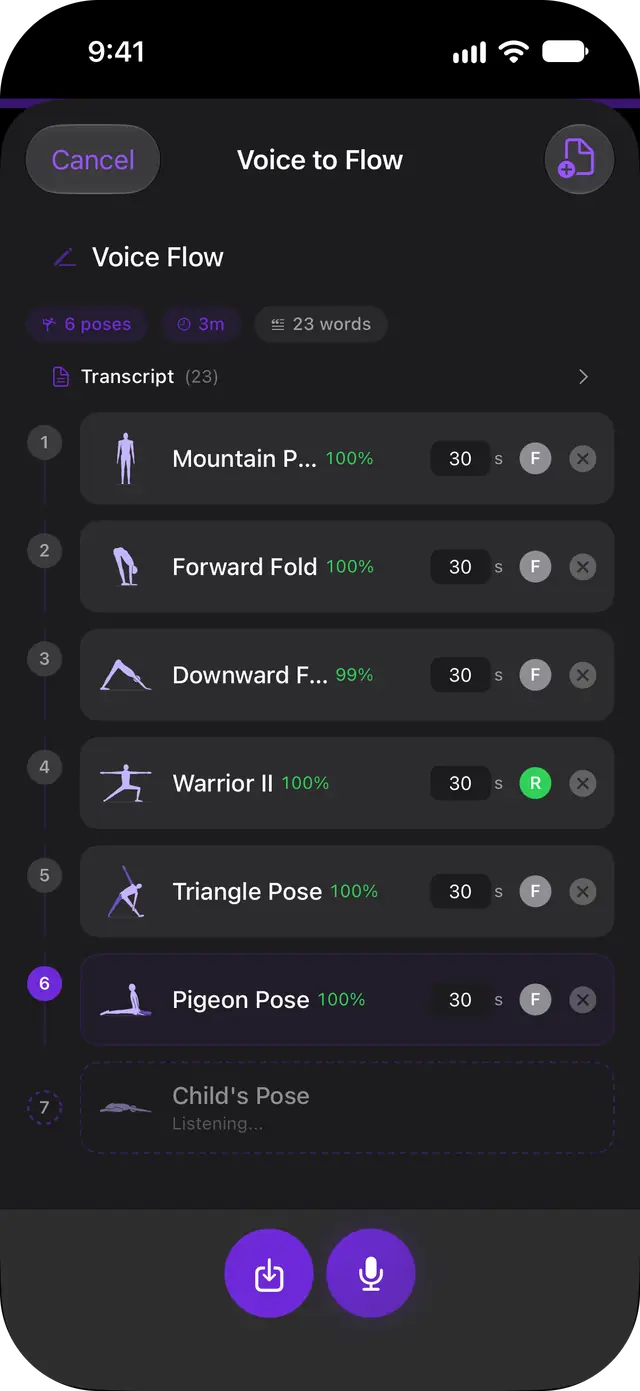
 Just say your poses
Pose to Flow. (alpha)
Uses on-device machine learning to track your body posture in real time. In Record mode, every pose you do is captured and can be saved and played back later. In Guided mode, receive personalized feedback with alignment cues and a real-time reading display for every joint.
Premium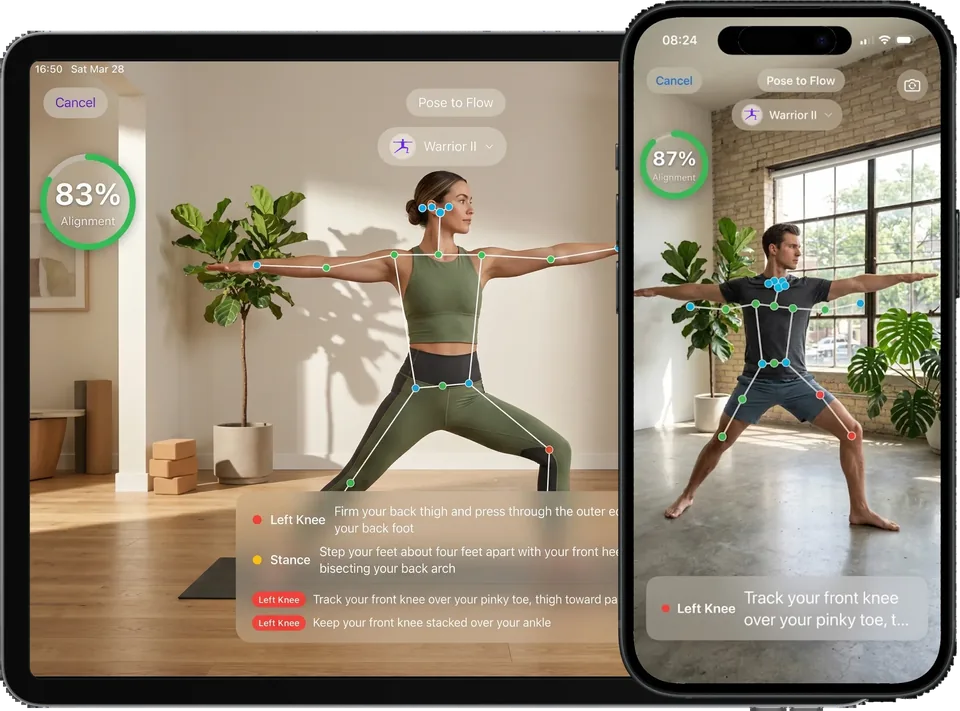
Omni Flow.
One flow from every method. Tap poses in, paste text, speak, hold poses on camera, add a video or Generate, and each one lands in the same flow as its own section. Free on the web.
Premium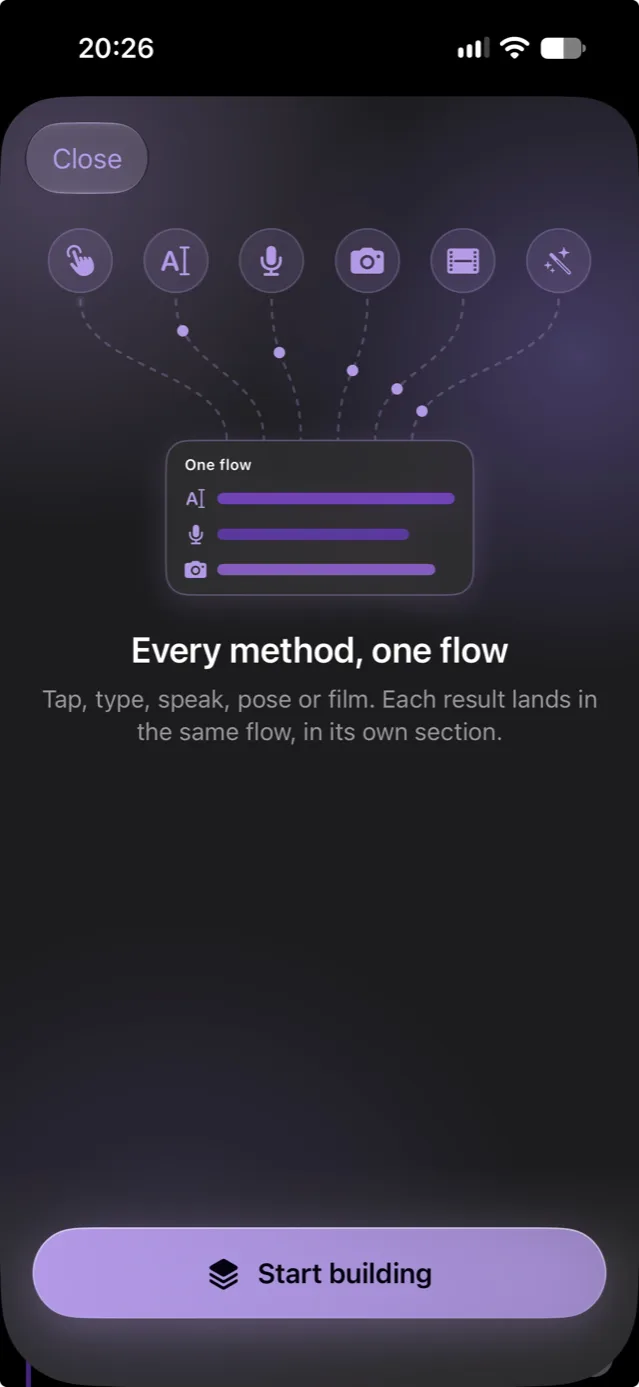
Peak pose & flow intensity.
Every flow gets analyzed for its peak pose, the apex of your sequence. See difficulty progression and side balance so your flows stay symmetrical and well-rounded.
Analytics Pro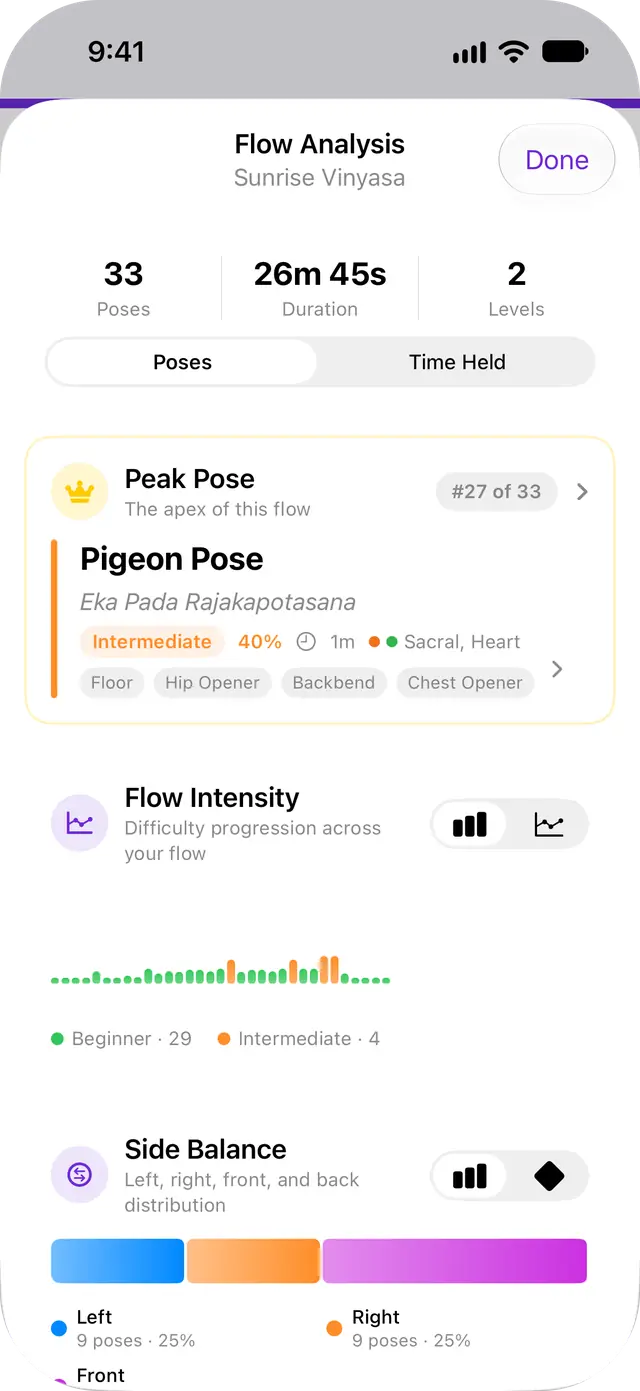
 Your peak pose, found for you
Live analytics as you build.
Muscle group targeting, chakra distribution, intensity charts, and energy balance update in real time as you edit.
Analytics Pro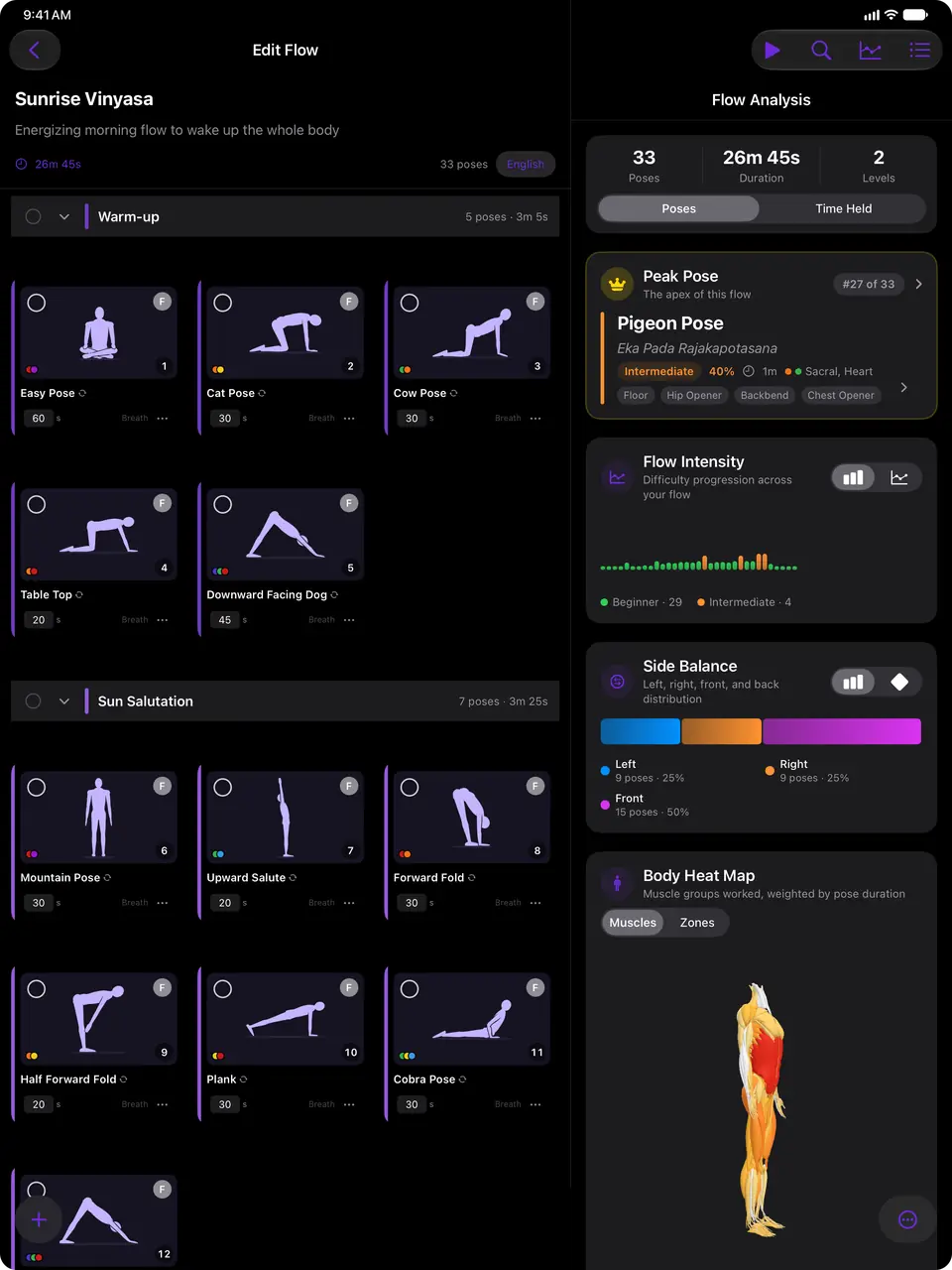
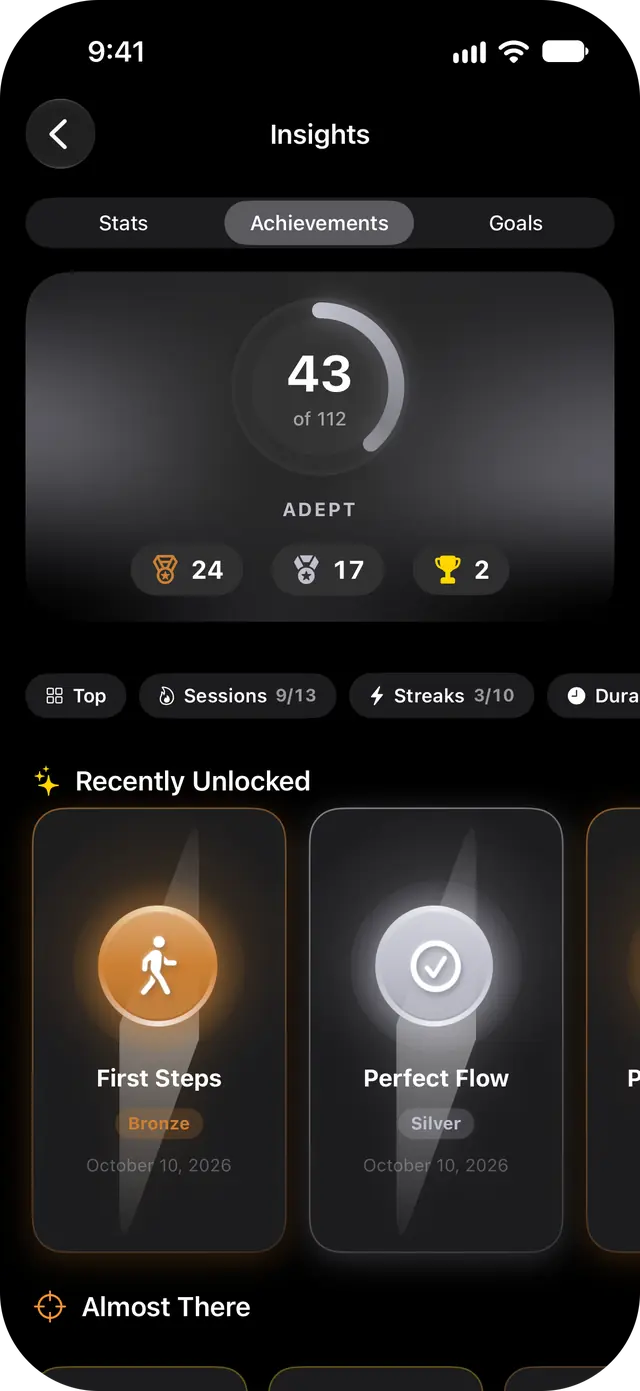
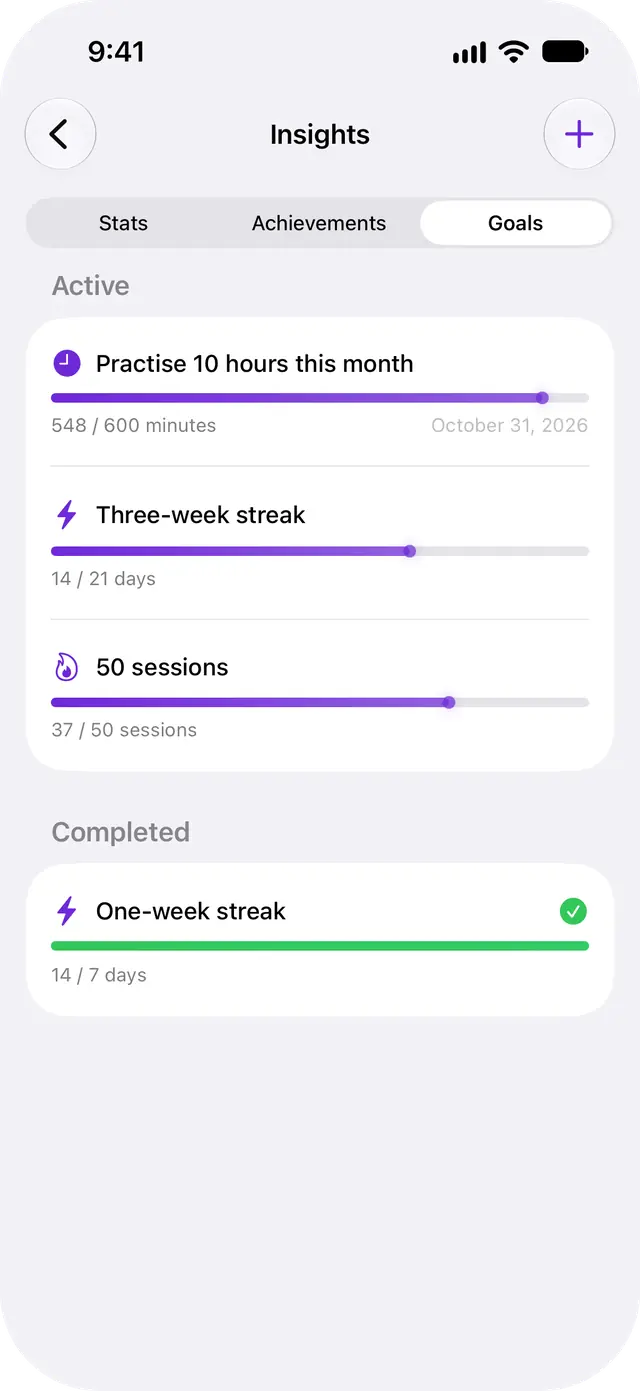
Goals, streaks & achievements.
Set practice goals, keep your streak alive, and unlock achievement badges as your practice grows.
Insights for every practice.
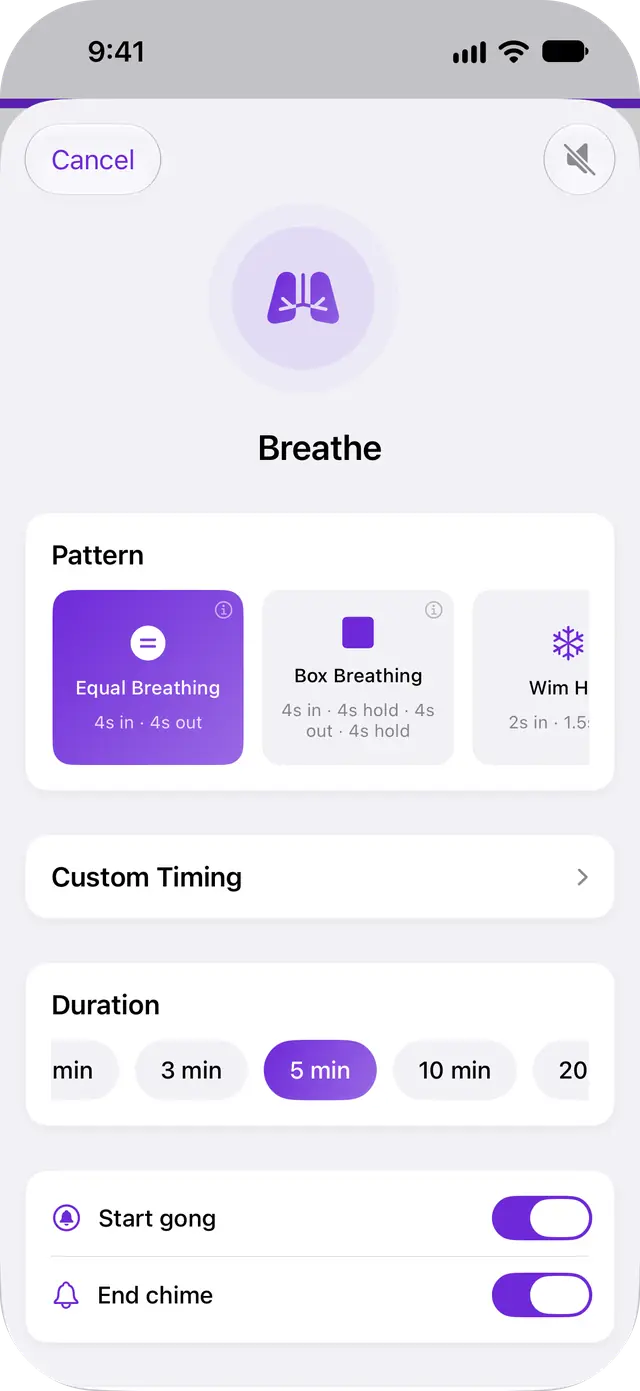
Trends, streaks, your practice mix and most-practiced poses across yoga, breathwork and meditation, all in one place.
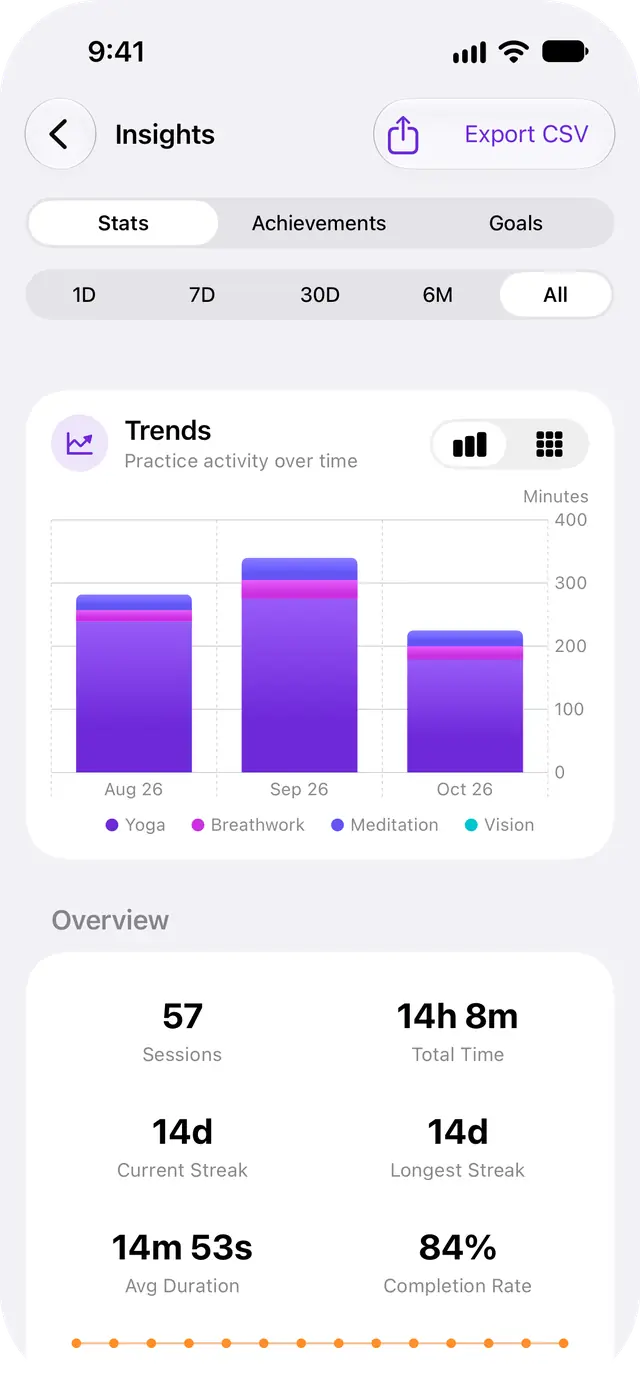
 Trends across every practice
Flow YOUR Way.
Customize every aspect of your practice.


English or Sanskrit
Toggle between English and Sanskrit pose names throughout your flows and during playback.
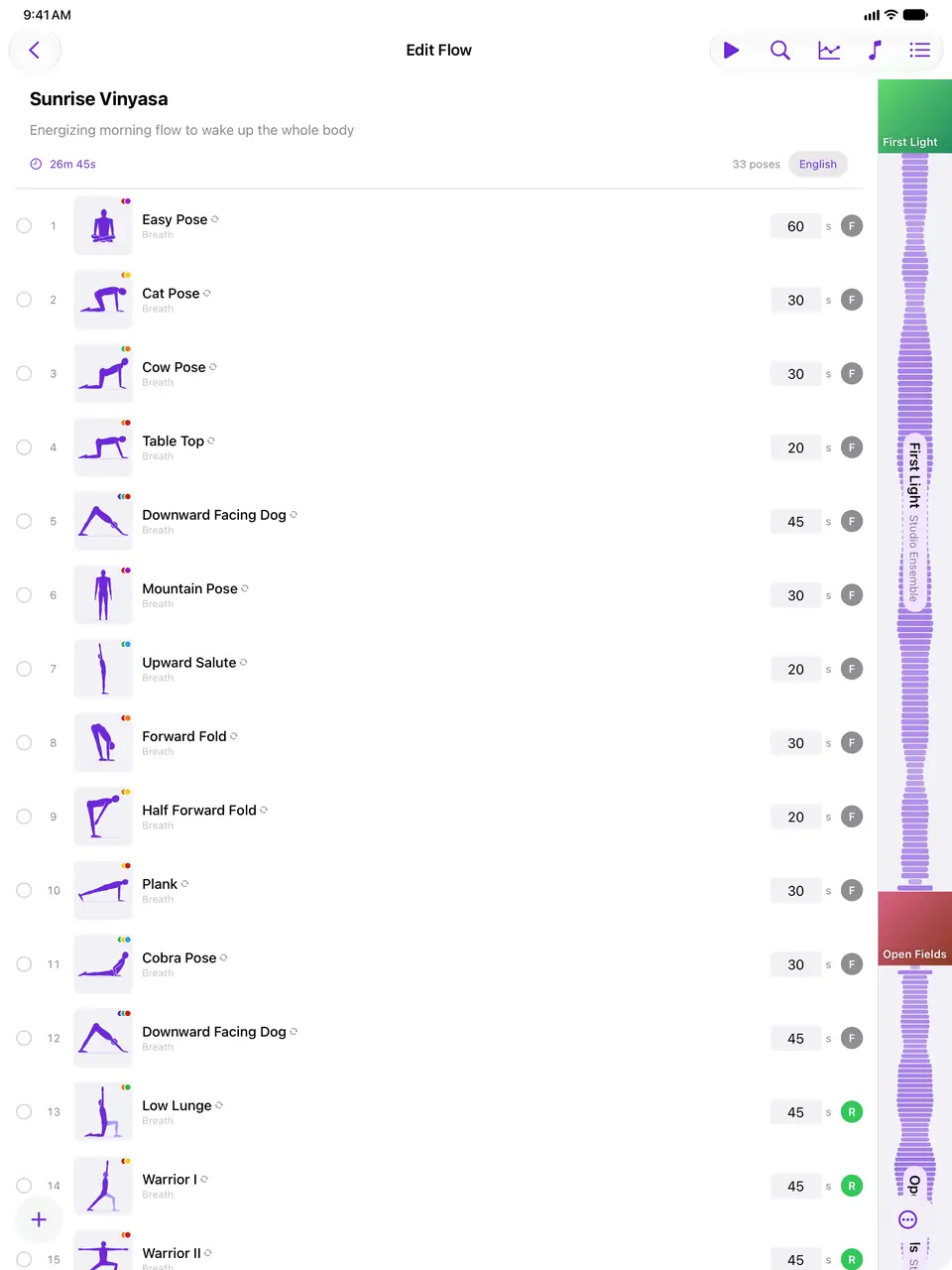
Voice, sounds & music
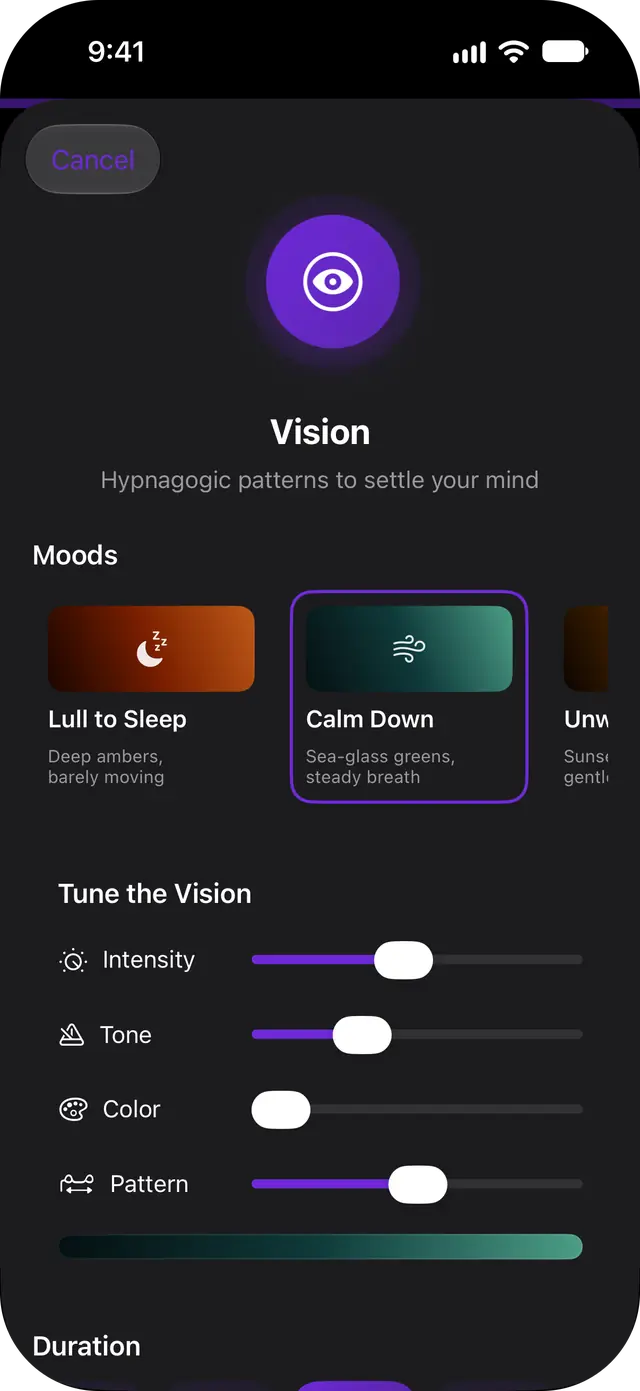
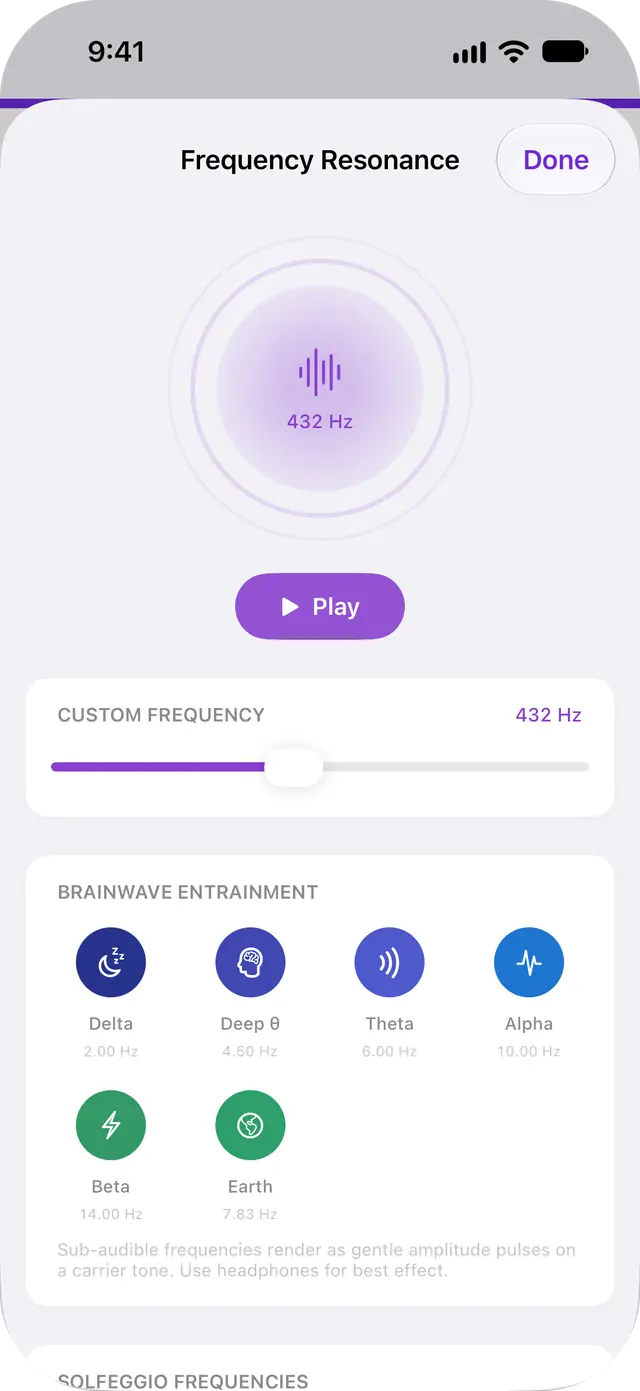
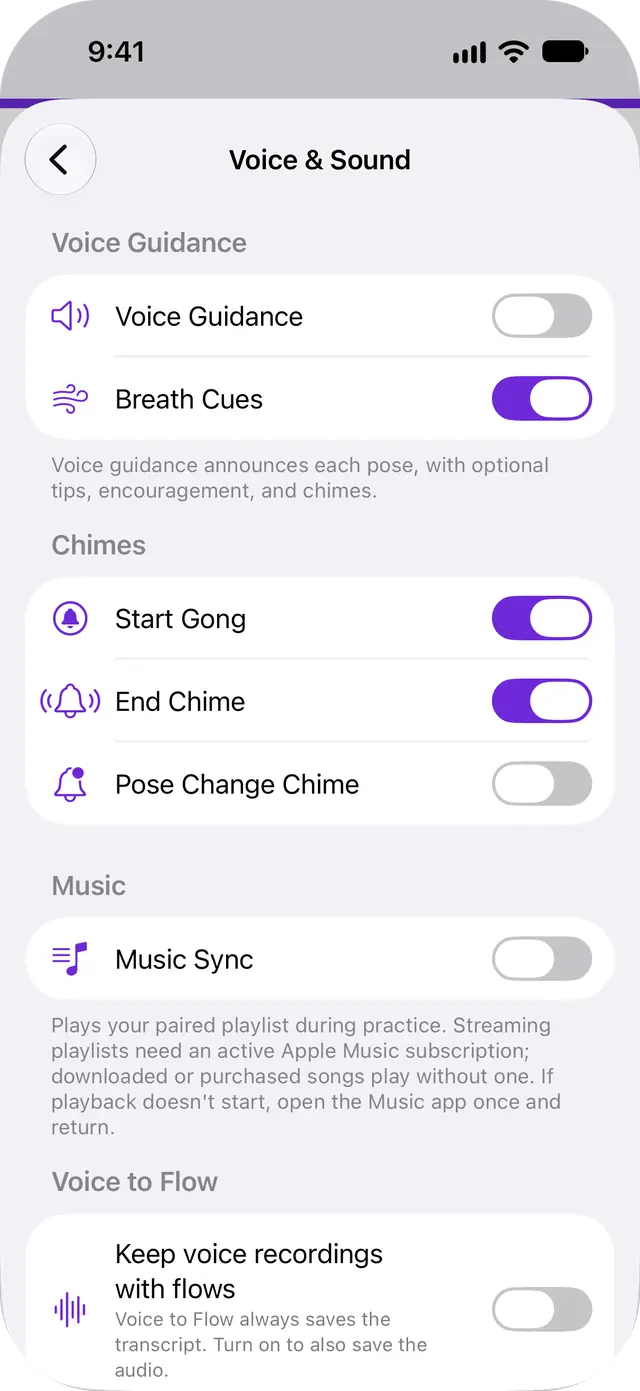
Turn on voice guidance, spoken alignment cues and chimes from the player options. On iPhone and iPad, pair an Apple Music playlist with your flow too.

Illustrated or 3D
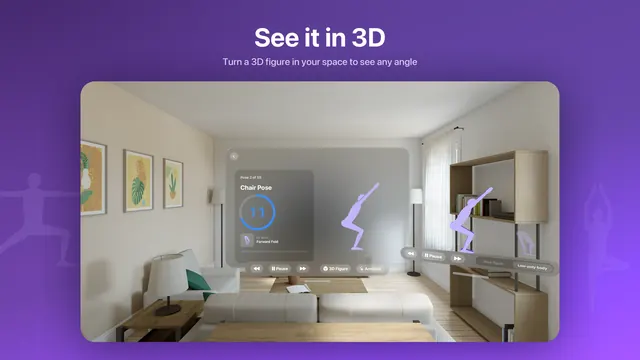
Every pose has an original illustration. Want more depth? Switch the player to a live 3D figure and turn it to see the pose from any angle.
And so much more.
Every detail designed for yoga teachers and practitioners.
What's new in 1.6.
Starting a home practice for the new year, or planning winter classes? See your flow in a new light, sit taller, and take it with you on paper.
See all the 1.6 highlightsHide the 1.6 highlights
Every pose, redrawn.
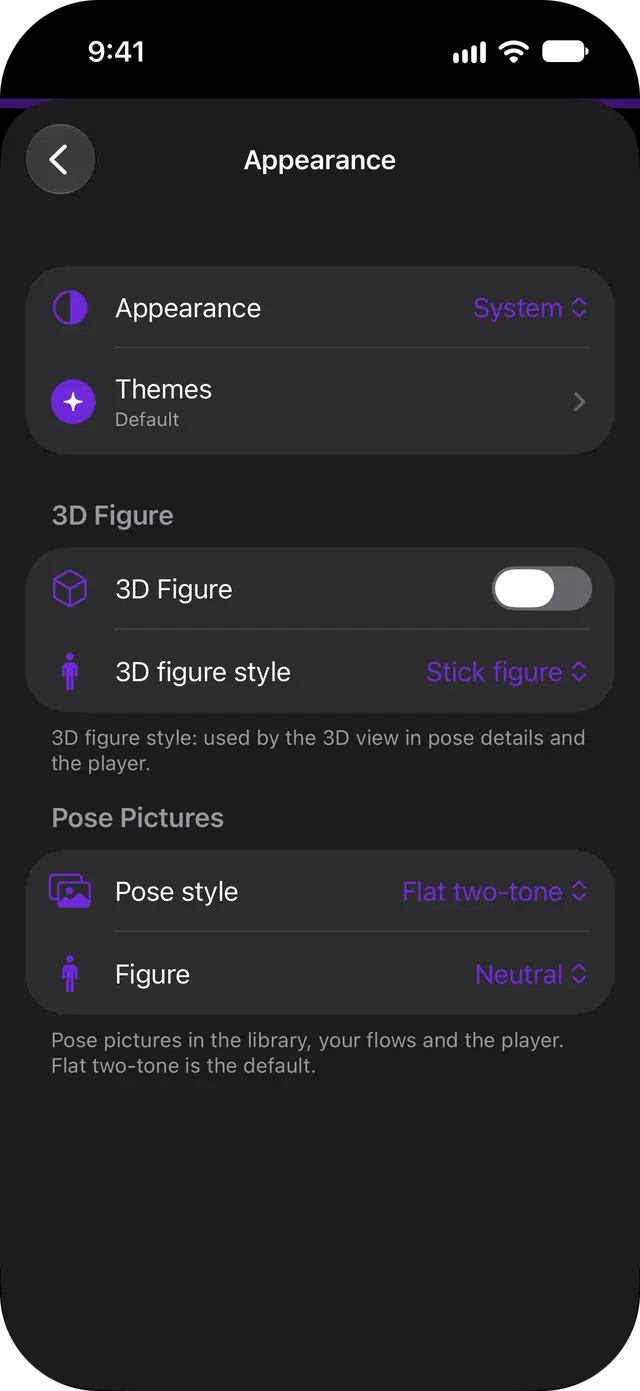
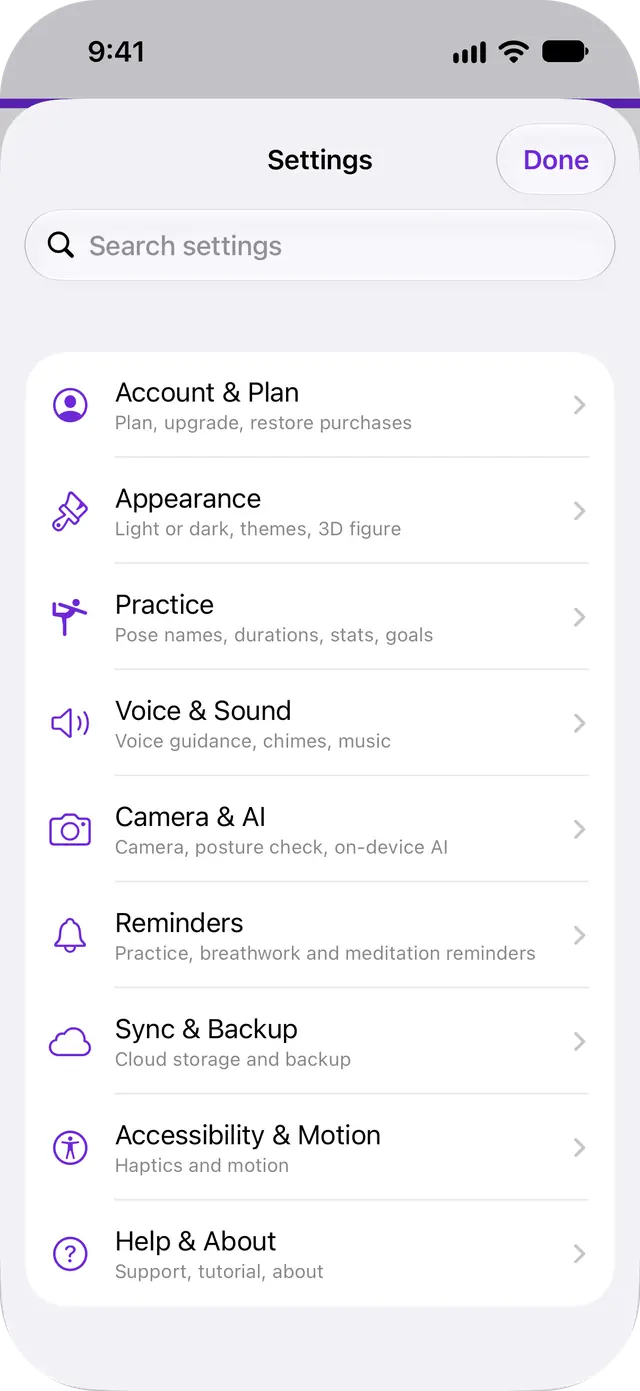
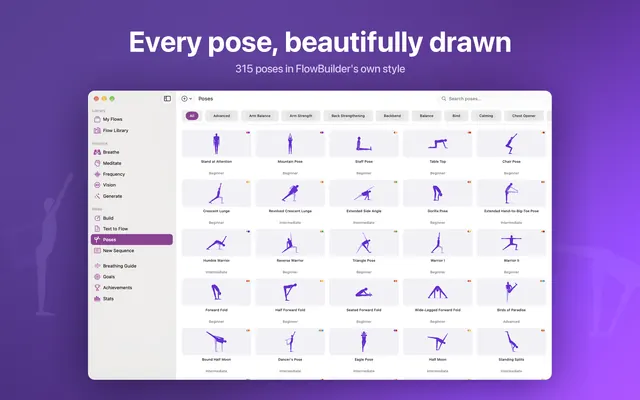
Every pose is redrawn in FlowBuilder's own style, and more than 100 of them are new. Pick a pose style and figure in Settings.
3D Figure.
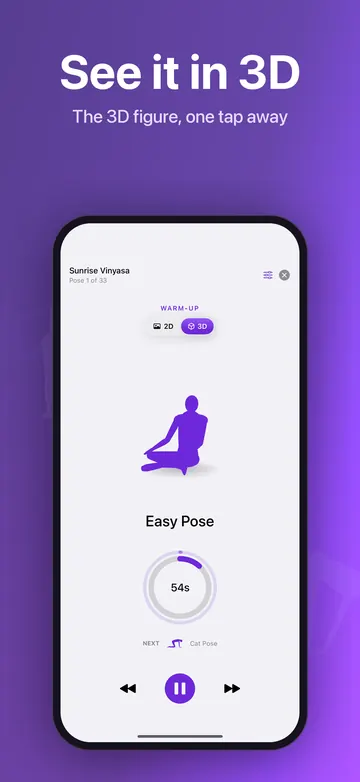
One tap away in the player. Turn it to see any pose from any angle, as a stick figure or a low-poly body.
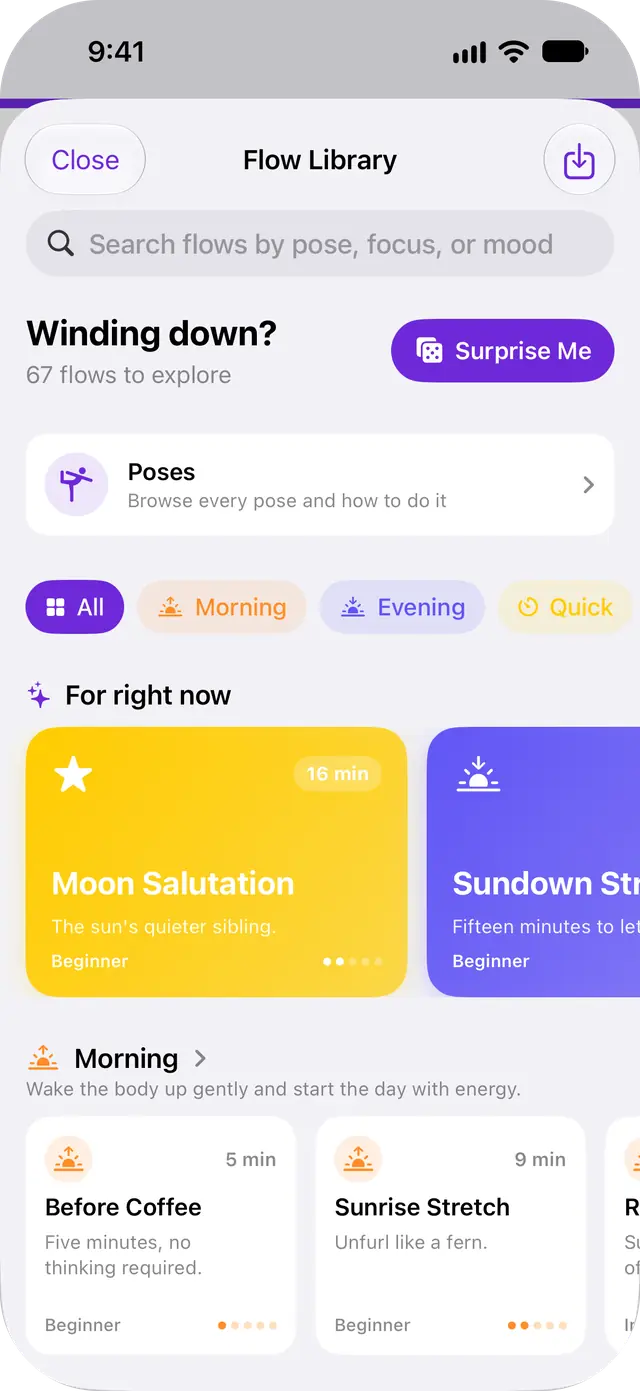
Flow Library.
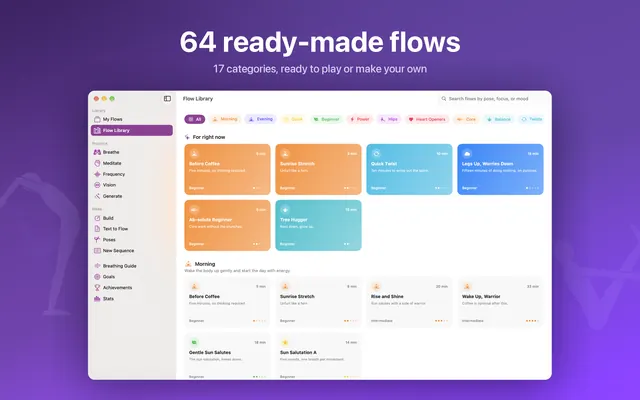
64 ready-made flows in 17 categories, from Sun Salutations up, ready to play or adapt.
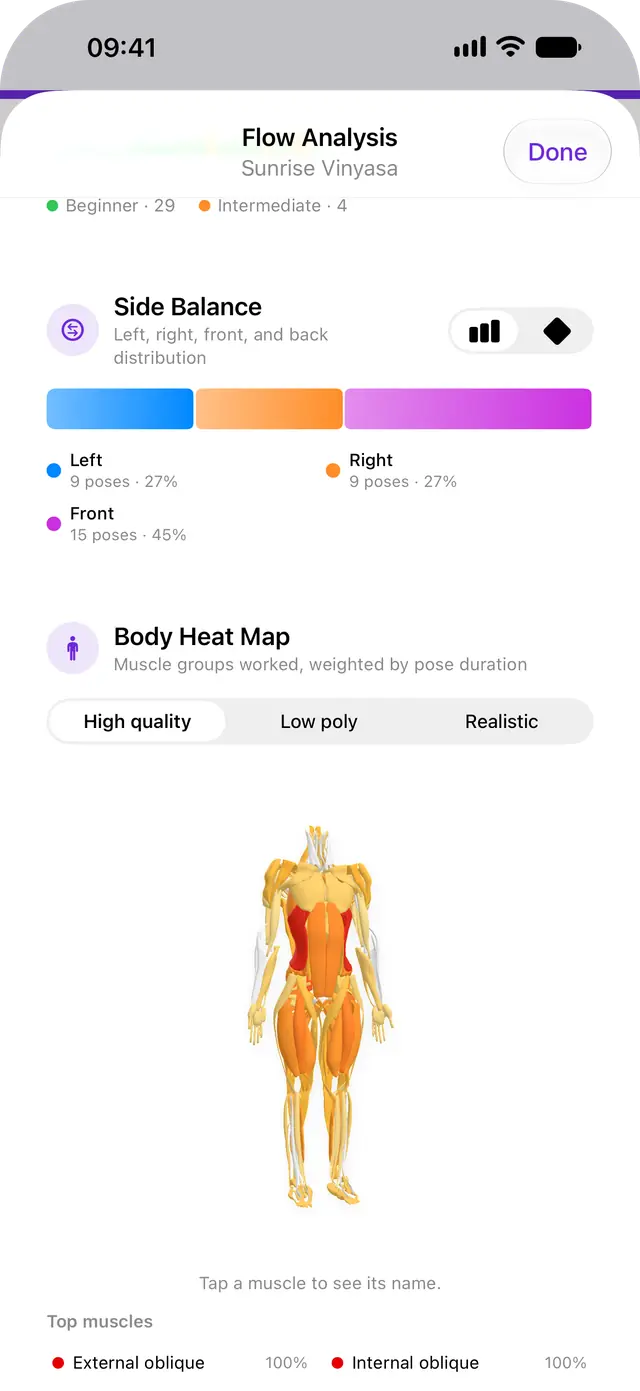
Body Heat Map.
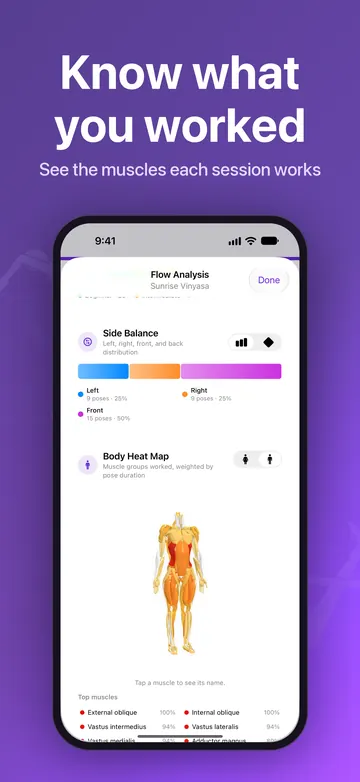
See at a glance which muscles each session works.
Apple Watch, Mac, TV and Vision Pro.
Practice on your watch counts toward your streak on iPhone. A complete Mac app, and apps for Apple TV and Apple Vision Pro.
17 languages.
FlowBuilder now speaks 17 languages, with Sanskrit pose names spoken by a synthesized voice tuned for clear pronunciation.
Chakra View.
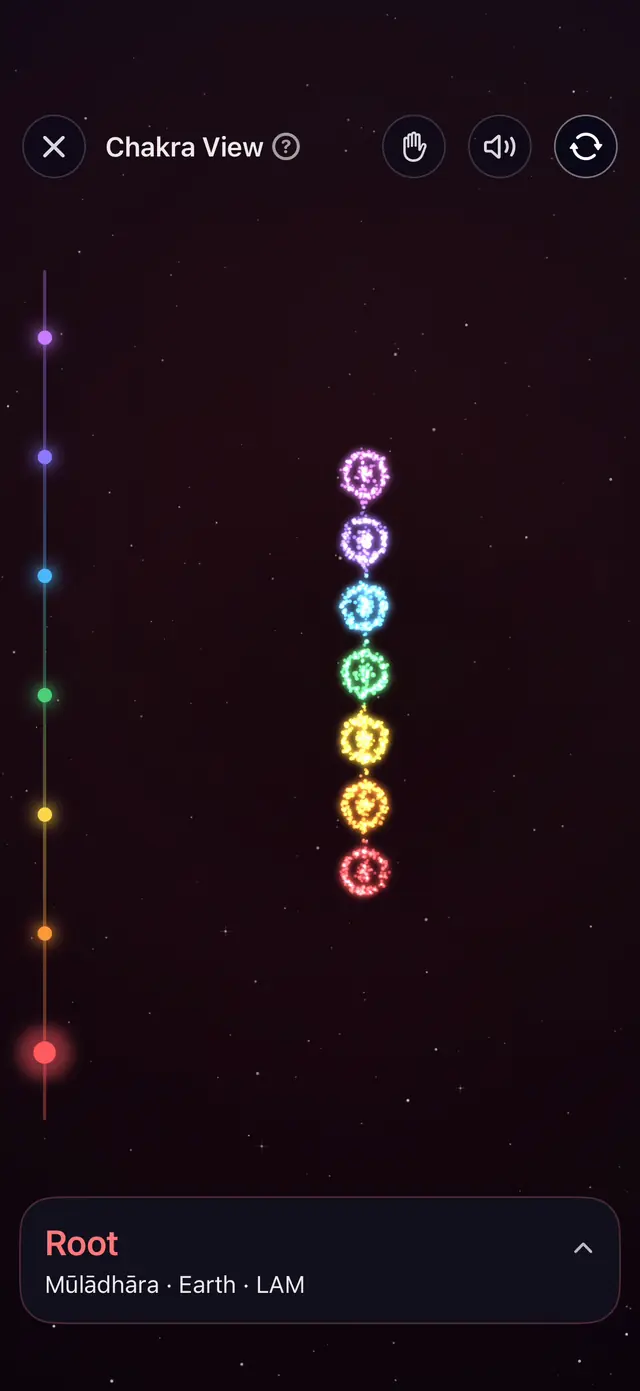
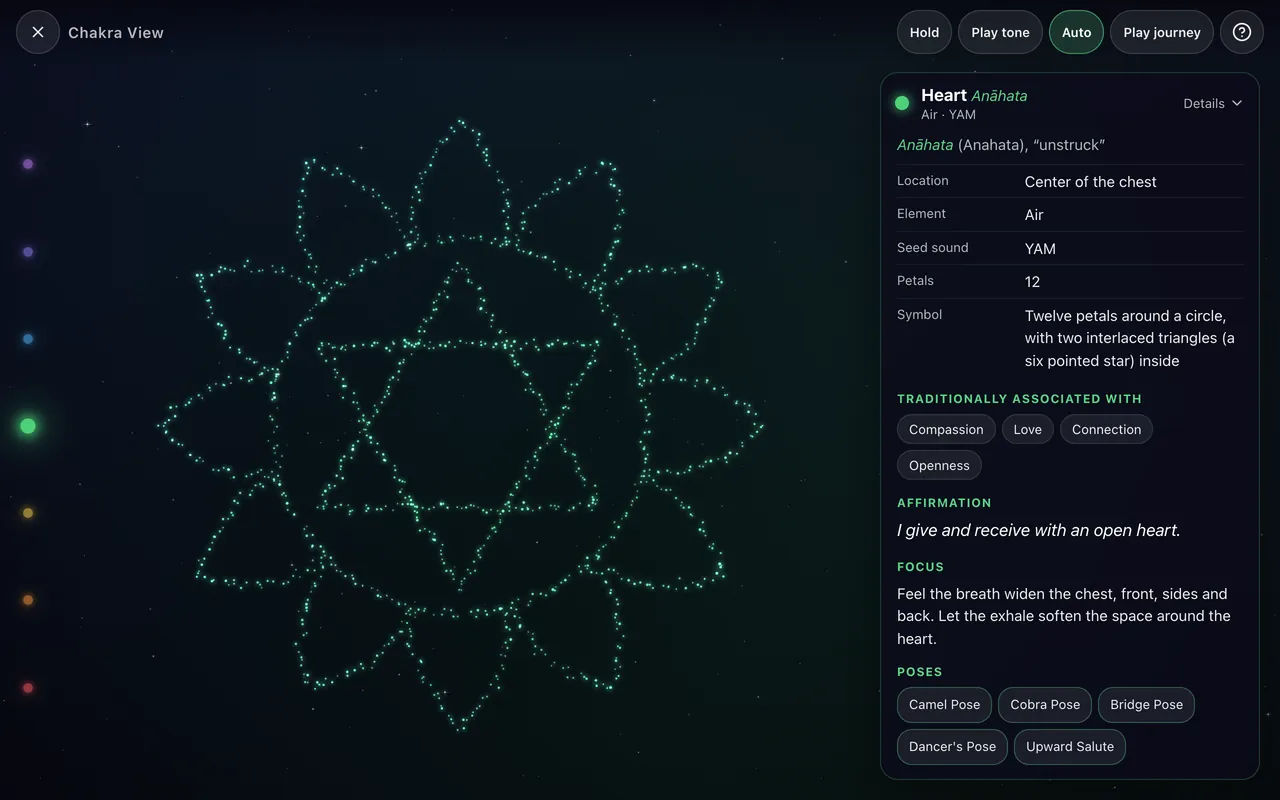
Watch 1,200 glowing dots gather into each chakra's symbol, its poses and its sacred geometry, with its name, element, seed sound and affirmation beside it. Turn it on in the player and every pose glows in the color of its chakra.
Free on the web. On iPhone, iPad and Android, Chakra View comes with Analytics Pro.
Review every flow.
Before you teach a flow or practice it, read it at a glance. Flow Analysis charts the sequence pose by pose, finds the peak pose, and shows how the effort builds, how your left and right sides balance, which chakras the flow touches and which muscles it works on a 3D body heat map.
Free on the web. On iPhone, iPad and Android, a few analyses are free each month, and Analytics Pro makes them unlimited.
Flow, Bill or Her. See every angle.
Pick the 3D figure that suits you. Flow is a clean stick figure, Bill a sculpted low-poly body, and Her moves naturally from one pose to the next. Turn any of them to see a pose from every side.
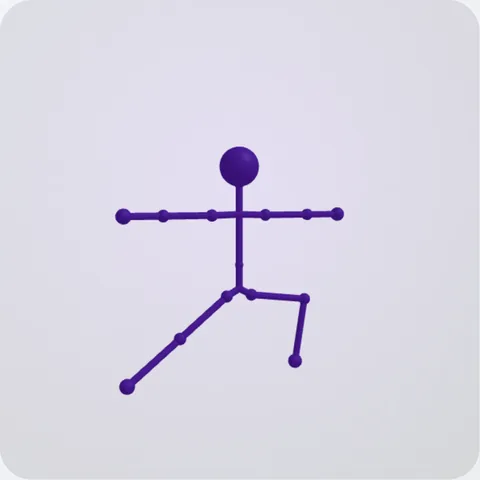
Flow Stick figure 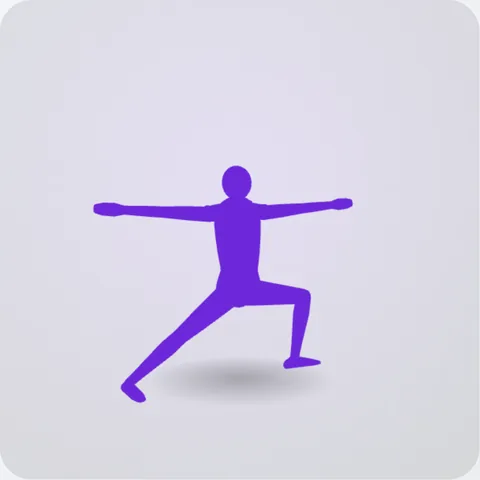
Bill Low-poly body 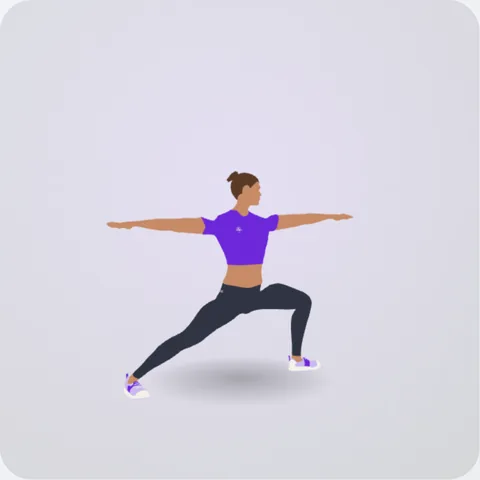
Her Natural movement
All three are on iPhone, iPad, Android and the web. Her's natural movement is on iPhone, iPad and the web.
Posture Check.
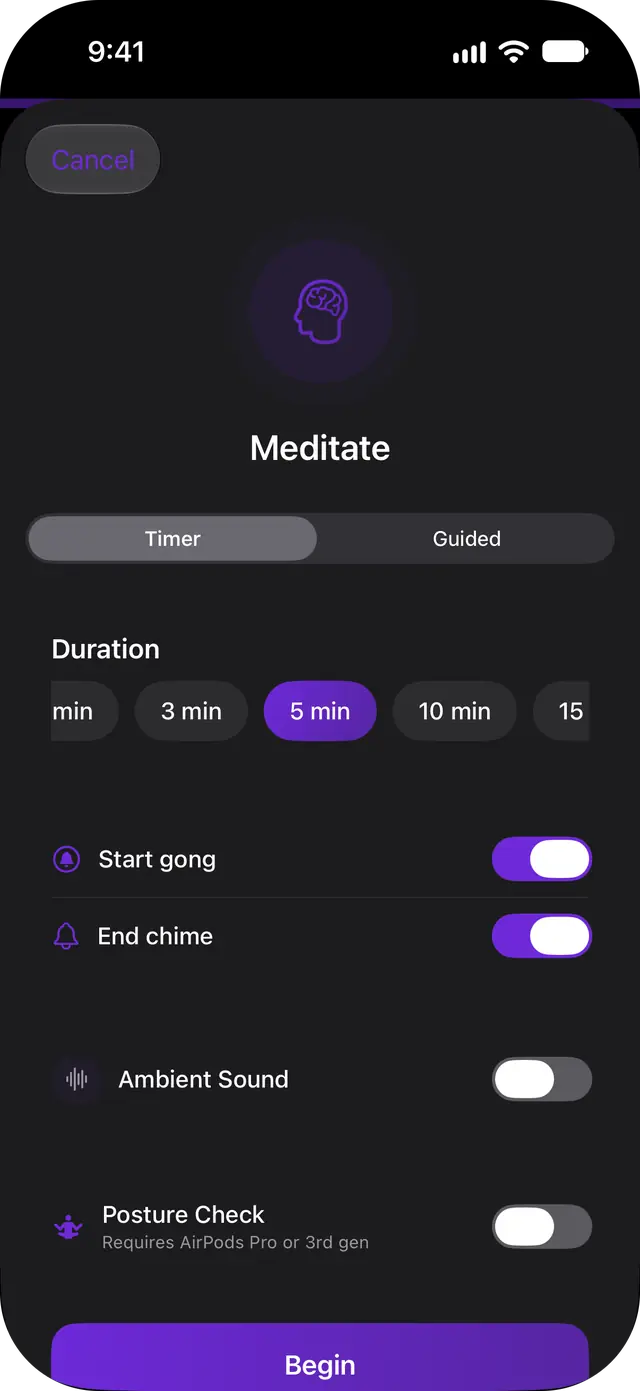
Sit tall through breathwork, meditation or a long day at the desk. Calibrate once, and FlowBuilder notices when your head drifts forward and gives you a gentle reminder. Every session ends with a posture score.
On iPhone and iPad with AirPods Pro or AirPods (3rd generation), on Android with your phone's motion sensors, and on the web with your camera, processed on your device.
Premium
Example session
- Session score
- 87%
- Time sitting tall
- 92%
- Head forward
- 8%
Export as PDF.
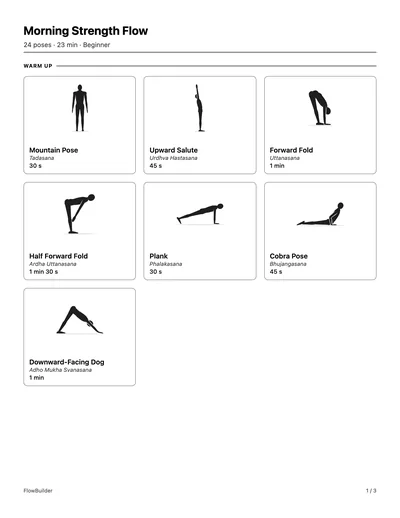
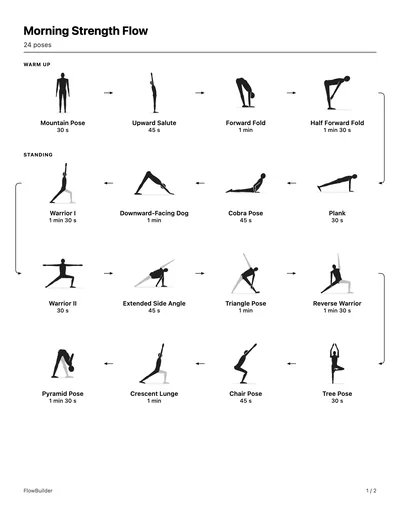
Turn any flow into a printable yoga sequence: pose cards with Sanskrit names and hold times, or a flow diagram that winds down the page, from minimal to full detail with breaths and cues. Take it to class, keep it by your mat, or hand it to your students.
Free on every plan, on iPhone, iPad, Mac, Android and the web. It works offline, too.
Simple pricing.
Choose the plan that fits your practice.
Free
- Unlimited flows
- The full pose library
- Local storage
- Export to PDF, CSV, JSON
- Text-to-speech guidance
- A few free analytics views each month
- Generate, Text, Voice and Pose to Flow: free to try
Analytics Pro
- Everything in Cloud Storage
- Unlimited analytics & insights
- Live analytics while building
- Chakra View
- Music Sync
- All color themes
Premium
or $79.99/yr, 1-week free trial
- Everything in Analytics Pro
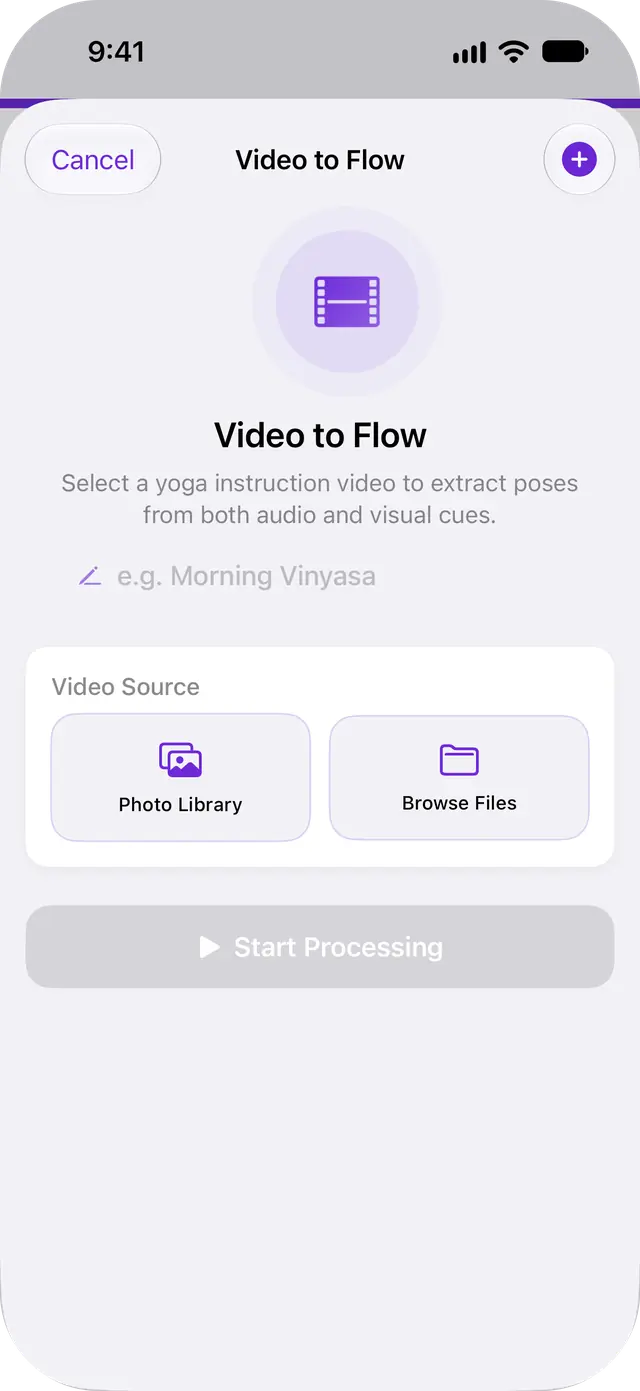
- Save flows made with Generate, Text, Voice, Pose and Video to Flow
- Omni Flow
- Silhouette generation
- Posture Check
Prices shown for the App Store (iPhone, iPad and Mac). Google Play prices differ: Premium is $7.99/mo or $69.99/yr.
FlowBuilder on the web (app.flowbuilder.yoga) is completely free: every feature, no account, no subscription, no limits.
FlowBuilder on iPhone, iPad, Mac, Apple Watch, Apple TV and Apple Vision Pro is free to build, practice and track with, and optional paid plans add cloud sync, unlimited analytics, themes, Music Sync and saving flows made with Generate, Text, Voice, Pose and Video to Flow.
FlowBuilder on Android is free to build and practice with, with two free themes and a few free analytics views each month, and optional paid plans add cloud sync, unlimited analytics, more themes, Music Sync and saving flows made with Generate, Text, Voice, Pose and Video to Flow.
Questions, answered.
Is FlowBuilder really free?
Yes. FlowBuilder on the web (app.flowbuilder.yoga) is completely free: every feature, no account, no subscription, no limits.
FlowBuilder on iPhone, iPad, Mac, Apple Watch, Apple TV and Apple Vision Pro is free to build, practice and track with, and optional paid plans add cloud sync, unlimited analytics, themes, Music Sync and saving flows made with Generate, Text, Voice, Pose and Video to Flow.
FlowBuilder on Android is free to build and practice with, with two free themes and a few free analytics views each month, and optional paid plans add cloud sync, unlimited analytics, more themes, Music Sync and saving flows made with Generate, Text, Voice, Pose and Video to Flow.
Which devices does it work on?
iPhone, iPad, Mac, Apple Watch, Apple TV, Apple Vision Pro, Android phones and tablets, and any modern web browser. Cloud sync is free on the web and part of the Cloud Storage tier on iOS and Android; with it your flows sync across iPhone, iPad, Android, and the web, and flows you save on iPhone, iPad or Mac appear on Apple Vision Pro through iCloud.
Can I leave out inversions or floor work?
Yes, on the web. In Generate a Flow, choose No floor work or No inversions, and FlowBuilder picks poses that fit. The pose library has the same filters. If you have an injury or a health condition, check with your doctor or teacher.
How does the free trial work?
The yearly Premium plan includes a 1-week free trial for new subscribers, on both the App Store and Google Play. The monthly plan has no trial. Try Voice to Flow, Pose to Flow, and silhouette generation, and cancel anytime before the trial ends if it's not for you.
I'm a yoga teacher. Can I plan classes with it?
That's what it's built for. Compose class-length sequences with per-pose timing, analyze difficulty progression and peak poses, export a PDF for your students, or record a class with Voice to Flow and get the sequence built automatically.
Can I print a yoga sequence?
Yes. Export as PDF turns any flow into a printable sheet, as pose cards with Sanskrit names and hold times or as a flow diagram, from minimal to full detail. It's free on every plan, on iPhone, iPad, Mac, Android and the web, and it works offline.
More questions? Visit the Help Center.
Start building your practice.
Available on iOS, Android, and the web. Free to get started.